Enabling Google Meet
Last updated: April 19, 2026
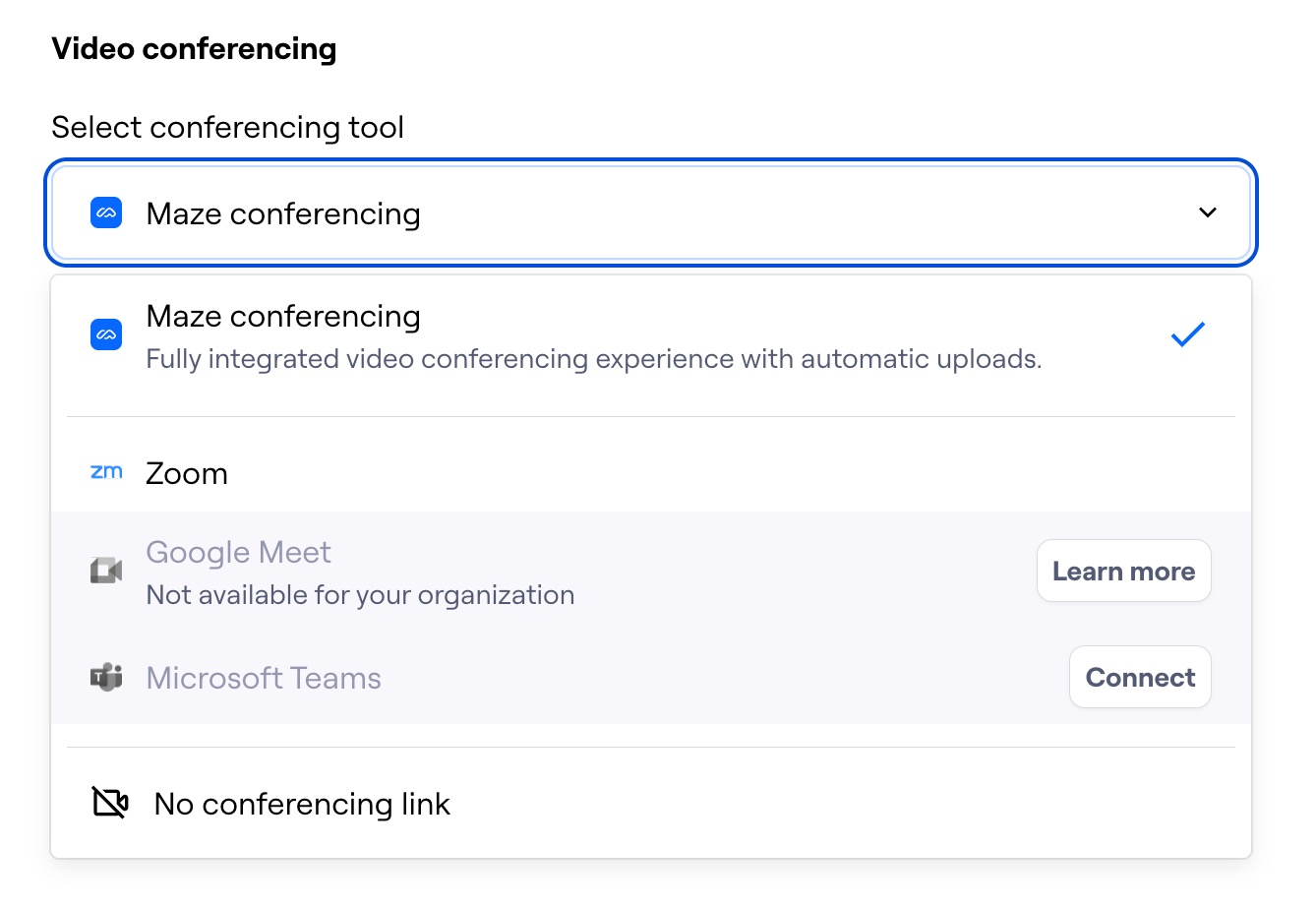
When setting up a video conferencing tool in the recruitment settings of an interview study, you may notice that the option to use Google Meet isn’t available.
In this case, you’ll see the following error message:
Not available for your organization
This error indicates that you’re logged into Maze with a Google account under an organization where Google Meet isn’t enabled.
To resolve this issue and use Google Meet for your conferencing links, Google Meet must be enabled within your organization.
Follow the steps in Google’s official documentation to enable Google Meet.
Note that only administrators can enable Google Meet for a Google organization. If you’re unsure who your administrator is, follow the guidance in Google's documentation.