Duplicating blocks in a study
Last updated: August 31, 2026
Use the duplicate feature to add a copy of a block in the same study.
Duplicating blocks
To duplicate any block in a study:
Open Build mode.
Hover over the block you want to duplicate and click the ••• (more) menu.
Click Duplicate.
You can also follow these steps to duplicate blocks inside a variant.

If you need to make extensive changes to a block when editing a live study, Duplicate and hide is a good option. Learn more about editing live studies
Duplicating variants
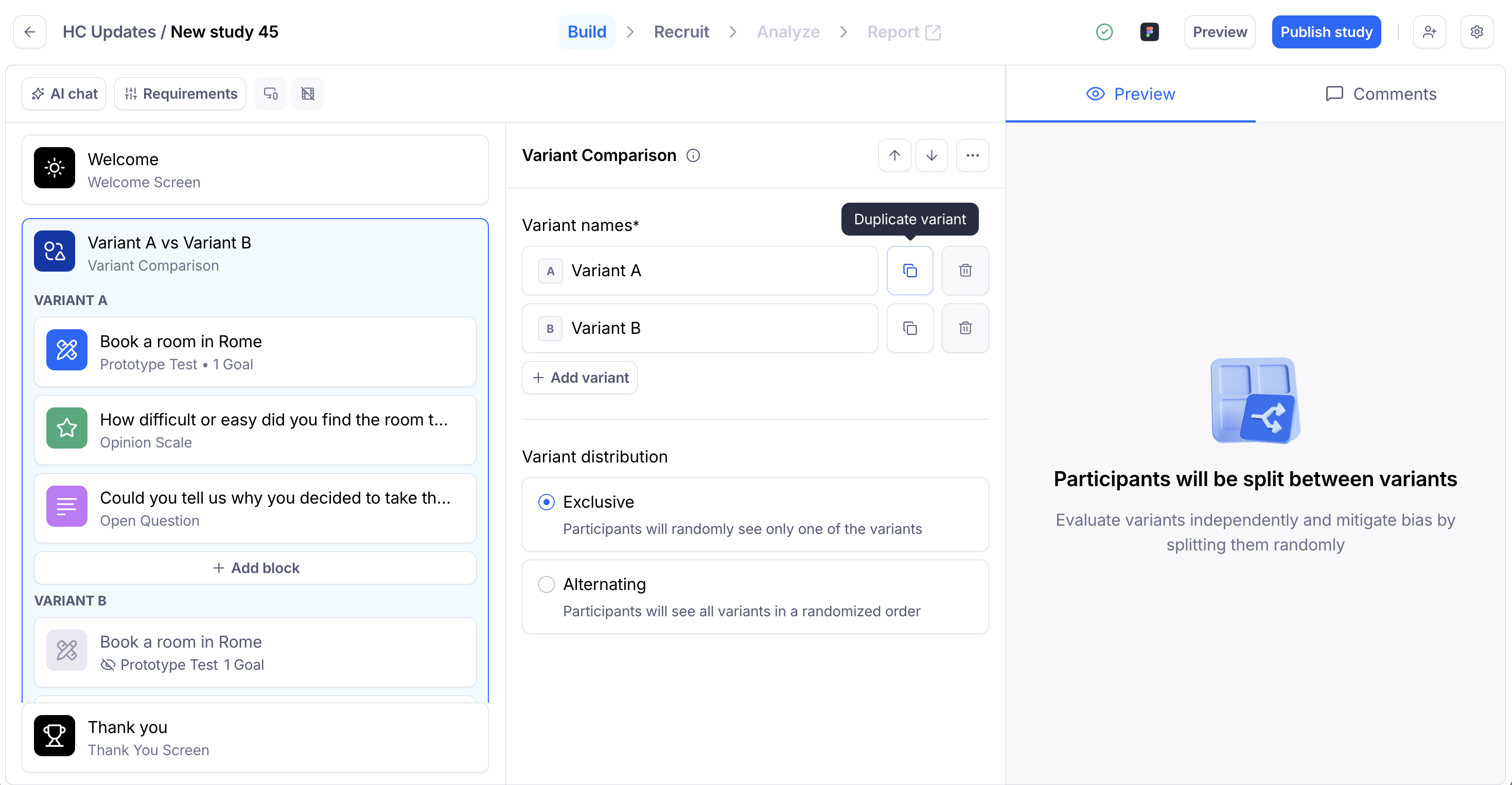
After setting up the first variant in a Variant Comparison block, use the Duplicate button. This will create a copy of that variant and duplicate all blocks within it.
Still need help?
If you have any questions or concerns, please let our Support team know — we'll be happy to help!