Setting up an AI Moderated study with the AI Study Builder
Last updated: October 15, 2026
The AI Study Builder is an AI-powered research assistant that helps you design a complete AI Moderated study through a conversation. You describe your research goal and context, and the AI generates the study's learning goals, questions, follow-up depth, and stimulus — all previewed alongside the chat so you can refine it before it's built.
Note: The AI Study Builder runs alongside the existing Wizard and manual setup — it's an additional option, not a replacement. Use whichever entry point works best for your study.
In this article, you'll learn how to use the AI Study Builder for an AI Moderated study:
Access the AI Study Builder
You can reach the AI Study Builder in two ways:
From the Home screen: Describe your research questions or hypotheses and what you're trying to learn. If your goal is a good fit for an AI Moderated study, you'll be guided toward that study type automatically.
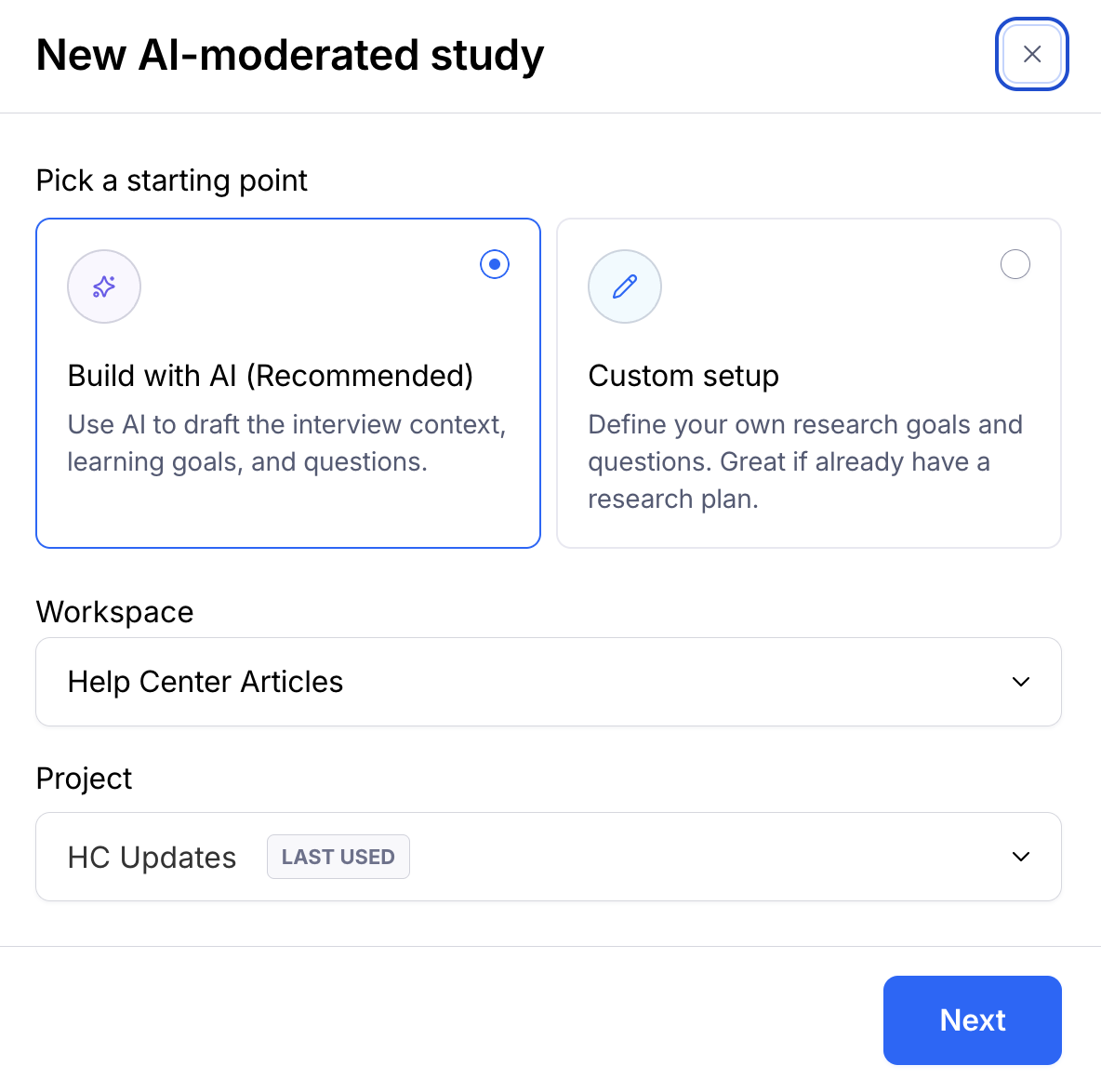
From the AI Moderated creation flow: Click New study, select AI Moderated as your study type, and choose Build with AI. The guided Wizard and manual setup remain available alongside this option.
Describe your research goal
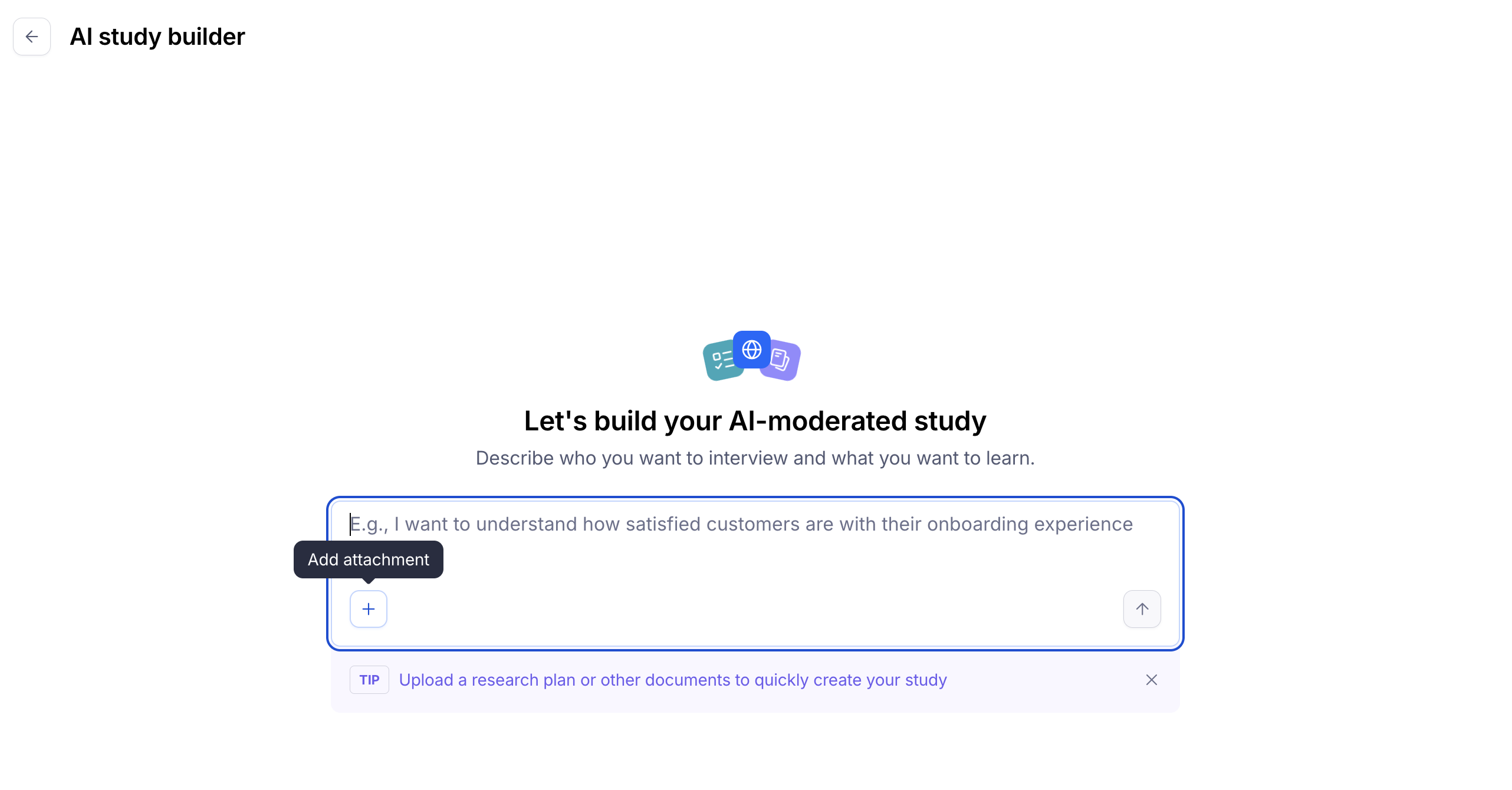
Once you're in the chat, tell the AI what you're trying to learn. You can:
Type your research intent as an exploratory prompt — the more context you give about your product, audience, or hypothesis, the more tailored the result.
Upload a file that contains your research plan.
Attach up to 5 images for the AI to use as context or stimulus.
Paste a link in the chat, either as background context or as stimulus to react to.
Note: Attaching images is currently only supported through the standalone AI chat, or after you've selected the AI Moderated study type from the Home page. This is a temporary limitation.
When you attach a file, image, or link, the AI may ask whether it should treat it as context (background information to inform the study) or stimulus (something participants will see and respond to during the study).
Review the draft structure
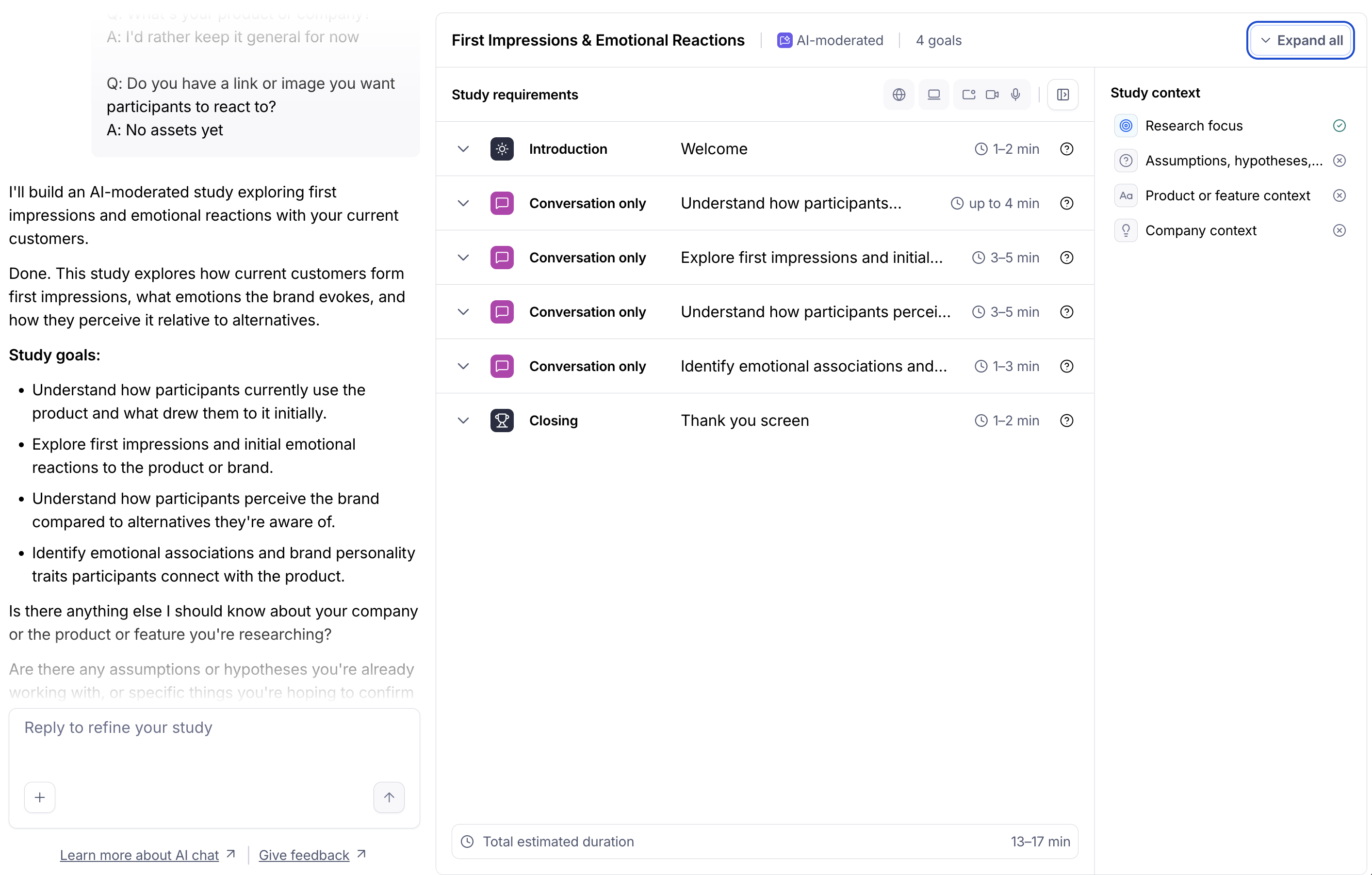
Based on your prompt, the AI generates a complete draft study, including:
A study name
2–5 learning goals
A goal type for each learning goal — Exploratory or Scripted:
Exploratory goals are exploratory, with no single correct answer (e.g. "Understand how people currently choose a project management tool").
Scripted goals are used when you need a clear, comparable answer (e.g. "Identify which design is more likely to drive purchase"). Any goal built around an attached image or link is always scripted.
For Exploratory goals, a follow-up depth
For Scripted goals, a set of drafted questions and a follow-up depth per question
Stimulus mapping, connecting any attached images or links to the correct learning goal
Probing instructions, if you described any conditional follow-up behavior (for example, "if someone mentions X, ask about Y")
Take a moment to review the full draft before moving forward — this is your opportunity to shape the study before it's built.
Refine your study via chat
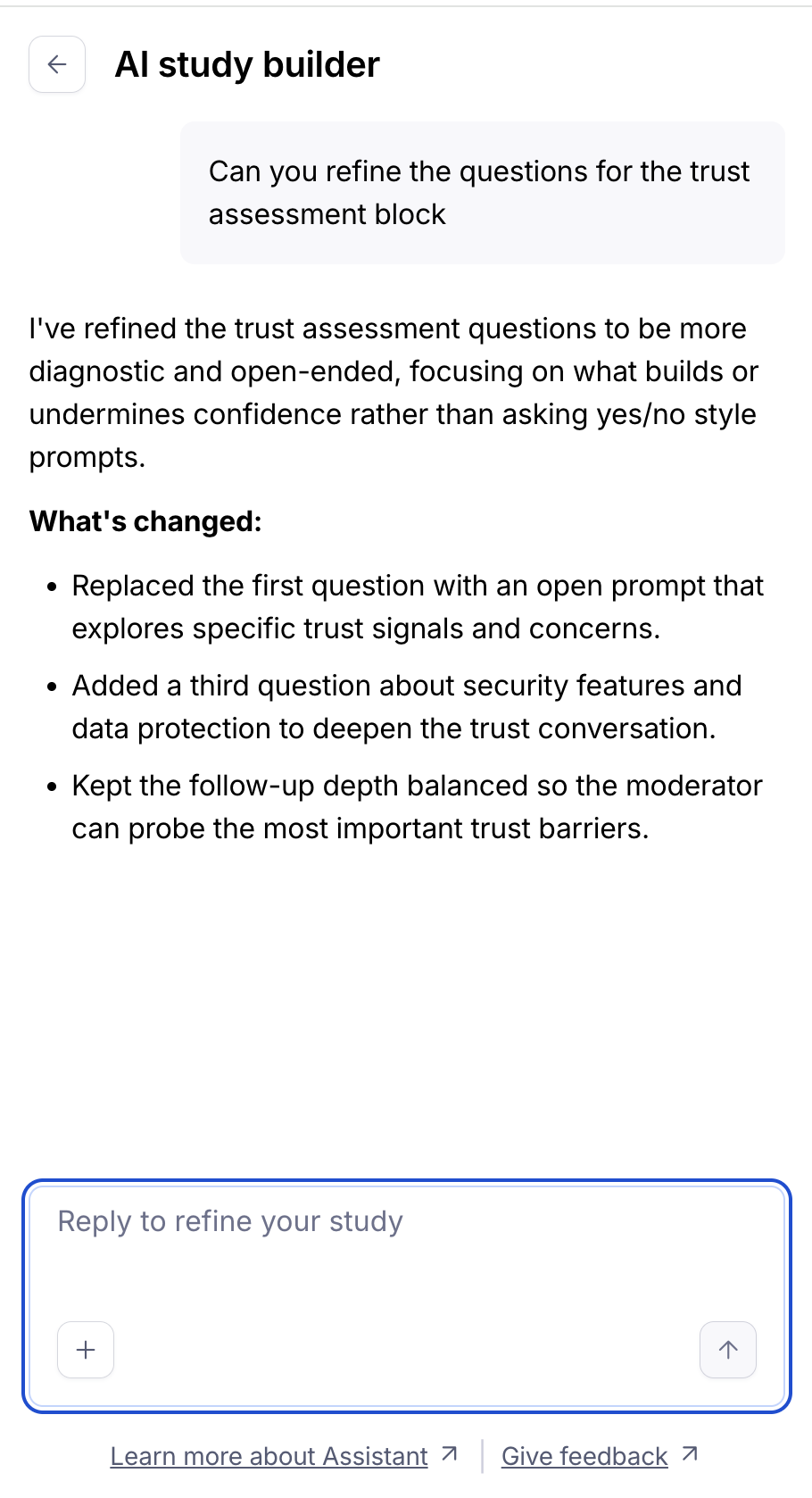
If the draft doesn't fully reflect what you need, iterate directly in the chat. You can ask the AI to:
Add, remove, or reword a learning goal
Reclassify a goal as Exploratory or Scripted
Add or rewrite specific questions
Make follow-ups deeper or shallower
Attach a link or image to a specific goal
Add or adjust a probing instruction
The AI will apply your changes and update the preview so you can confirm they were made correctly.
Note: The AI won't invent context, probing instructions, or study content you haven't provided — if something is unclear or missing, it will ask rather than assume.
Continue to the builder
When you're satisfied with the draft, continue to the builder. The AI will apply the study structure, pre-populating your learning goals, questions, and stimulus.
In the builder, any elements that still require your input will appear in an error state so you can work through the remaining configuration in order.
Configure your blocks
Once you're in the builder, review and complete the configuration for each part of your study. Depending on what the AI generated, this may involve:
Connecting a prototype, website, or other stimulus
Adjusting question copy or probing instructions
Setting device requirements or response options
Learn more about all the block types you can use. When your study is fully configured, you're ready to preview and publish.
FAQ
What's the difference between an Exploratory and a Scripted learning goal?
Exploratory goals are exploratory conversations without one right answer — useful for understanding current behavior, decision-making, or pain points. Scripted goals are used when you want a clear, comparable answer, such as a preference or reaction to something specific. Any goal built around an image or link you've attached is always scripted, since it's asking participants to react to a specific stimulus.
What are probing instructions?
Probing instructions tell the AI moderator to ask a specific follow-up when a participant says something that meets a condition you define — for example, "if someone mentions buying this for their family, ask whether they have children and how that affects their grocery shopping." You only need to describe the condition and the follow-up; the AI applies it to the relevant learning goal.
Can I attach images or links as stimulus?
Yes. When you attach an image or link, the AI will ask (or infer from context) whether it should be used as background context or as stimulus for participants to respond to. Stimulus is automatically mapped to the learning goal it's most relevant to.
Will the AI add content I didn't mention?
No. The AI Study Builder only uses the context, goals, and probing instructions you provide — it won't invent study content on your behalf. If something is missing, it will ask a follow-up question instead of guessing.
Still need help?
Our support team is ready to assist with any questions about AI Moderated studies. Please contact us — we're here to help.