Understanding the panel order Feasibility Estimate
Last updated: August 27, 2026
When placing a panel order, Maze shows you a Feasibility Estimate — a real-time indicator of whether your order is likely to fill based on your current configuration. As you adjust your audience criteria, screeners, and number of participants, the estimate updates automatically so you can fine-tune your order before placing it.
What the estimate shows
The Feasibility Estimate displays one of four bands:
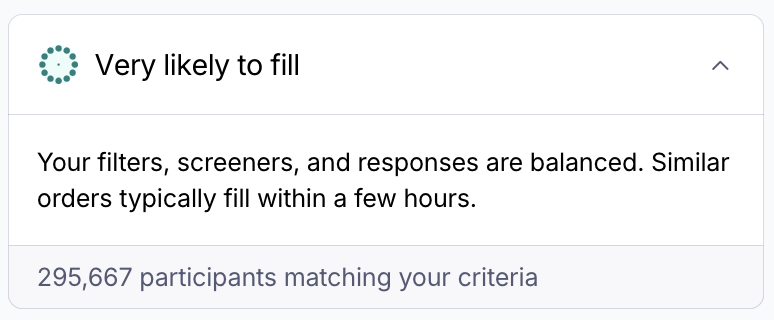
Very likely to fill — Your order is well-matched to available supply. The card collapses by default when you reach this state.
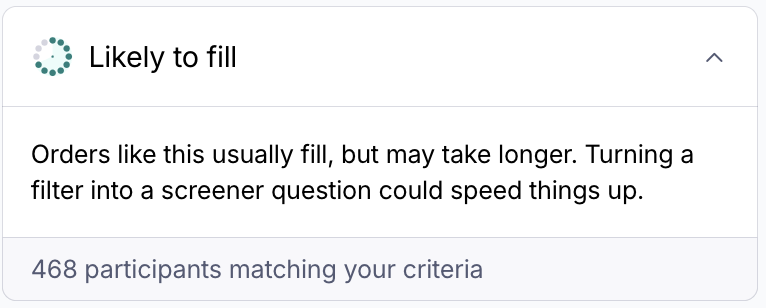
Likely to fill — Your order should fill, but there may be some constraints. Expand the card to see a recommendation.
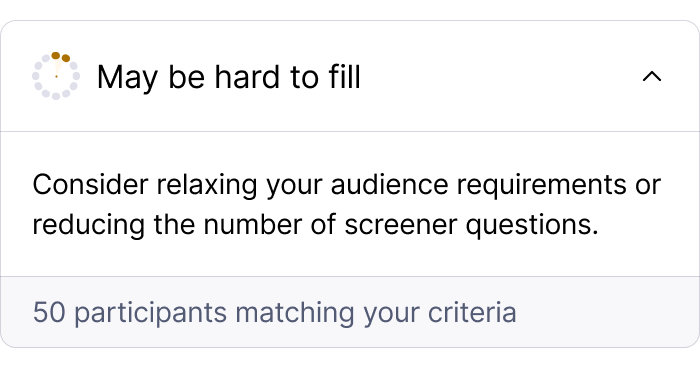
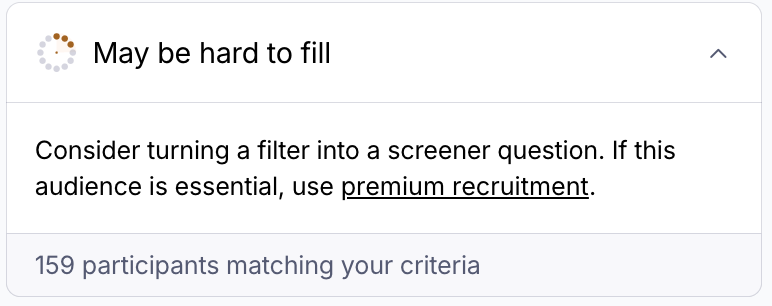
May be hard to fill — Your configuration is too restrictive for reliable fulfillment. Review the recommendation in the card and consider broadening your audience, simplifying your screener, or reducing the number of participants.
How to use the estimate
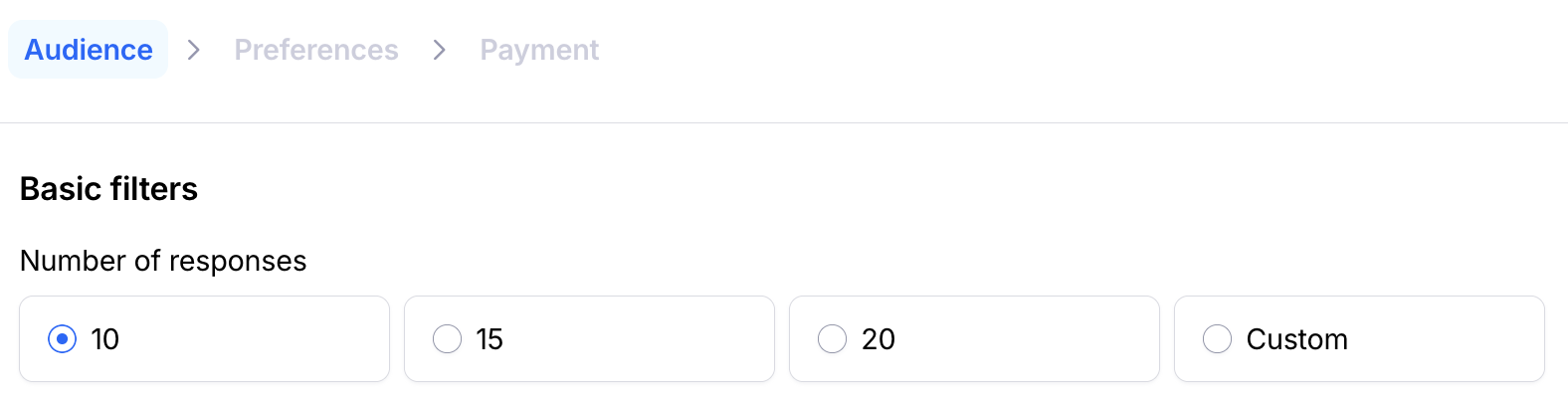
The Feasibility Estimate card is shown in the Audience step of the panel order flow. It updates automatically when you change:
The number of responses
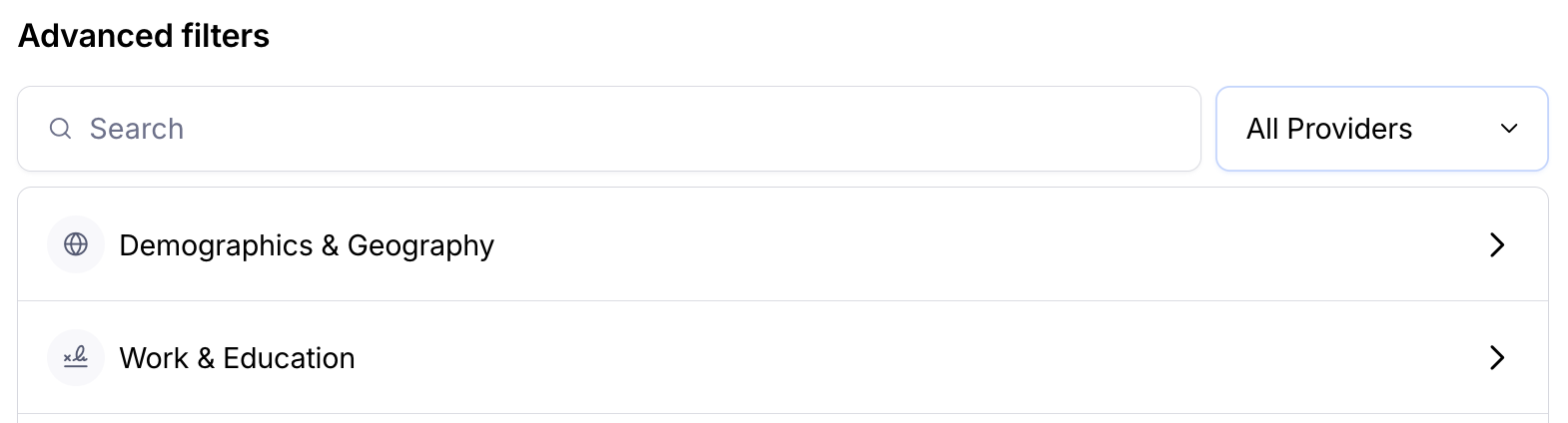
Audience filters (basic or advanced)
Screener questions
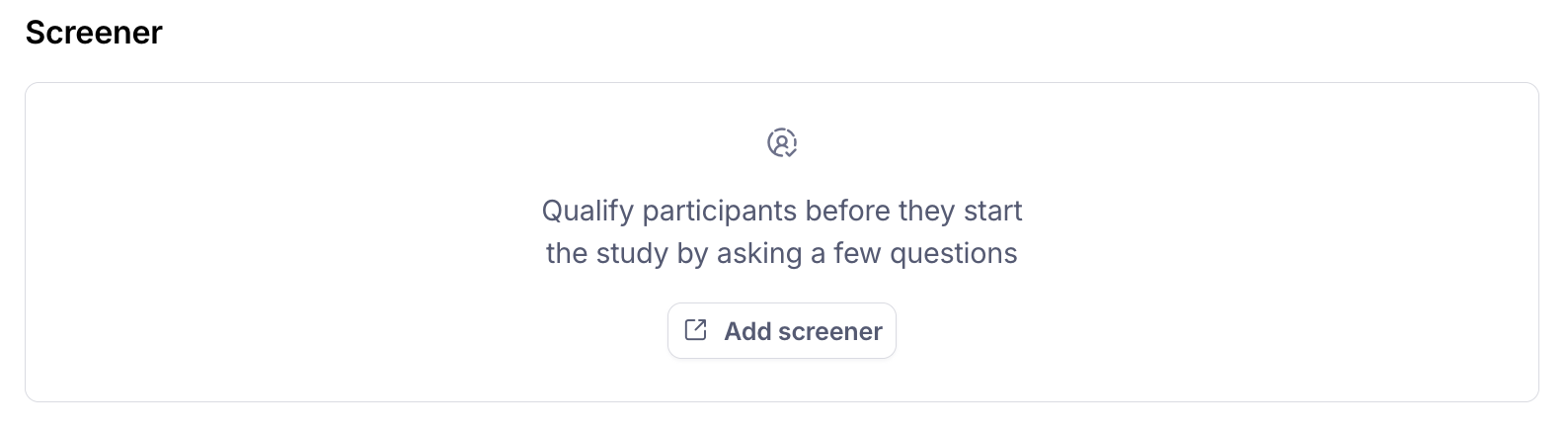
Note: the estimate doesn’t yet take into account the specific content of your screeners, so keep that in mind as you configure your audience.
You can expand or collapse the card at any time by clicking the header.
If your estimate shows May be hard to fill, you'll see a recommendation with suggestions to broaden your configuration.
If the estimate shows an error
If Maze is temporarily unable to calculate your estimate, the card will show an error state with a Try again button. The Continue button will be disabled until the estimate loads. If the error persists, use the Contact Support link shown in the card.
Still need help?
If you have any questions or concerns, please let our Support team know — we'd be happy to help!