Privacy best practices for Maze mobile studies
Last updated: April 19, 2026
In this guide, we go over some best practices for participants to take part in a mobile study to address their privacy concerns as well as what Maze does to manage privacy.
Privacy best practices
We recommend highlighting in your messaging or description of the study if you require the test to be taken on mobile devices to alert participants they'll need to download a separate application. If your company requires specific messaging, consider adding a Legal Screen to your study.
If you are testing an experience that requires participants to login, include verbiage in the description or a Context Screen to ask participants to navigate away from the Maze app and log in before continuing on with the study.
Collect only necessary data. If you are requiring Clips for this study, consider only requesting screen recording access versus microphone/camera if not completely necessary.
What we are doing on Maze side to ensure privacy
Maze provides transparent communication informing participants of the device access we are recording.
We have clear indication of the starting and ending of the screen recording session with a red dot on top of the OS as seen here:
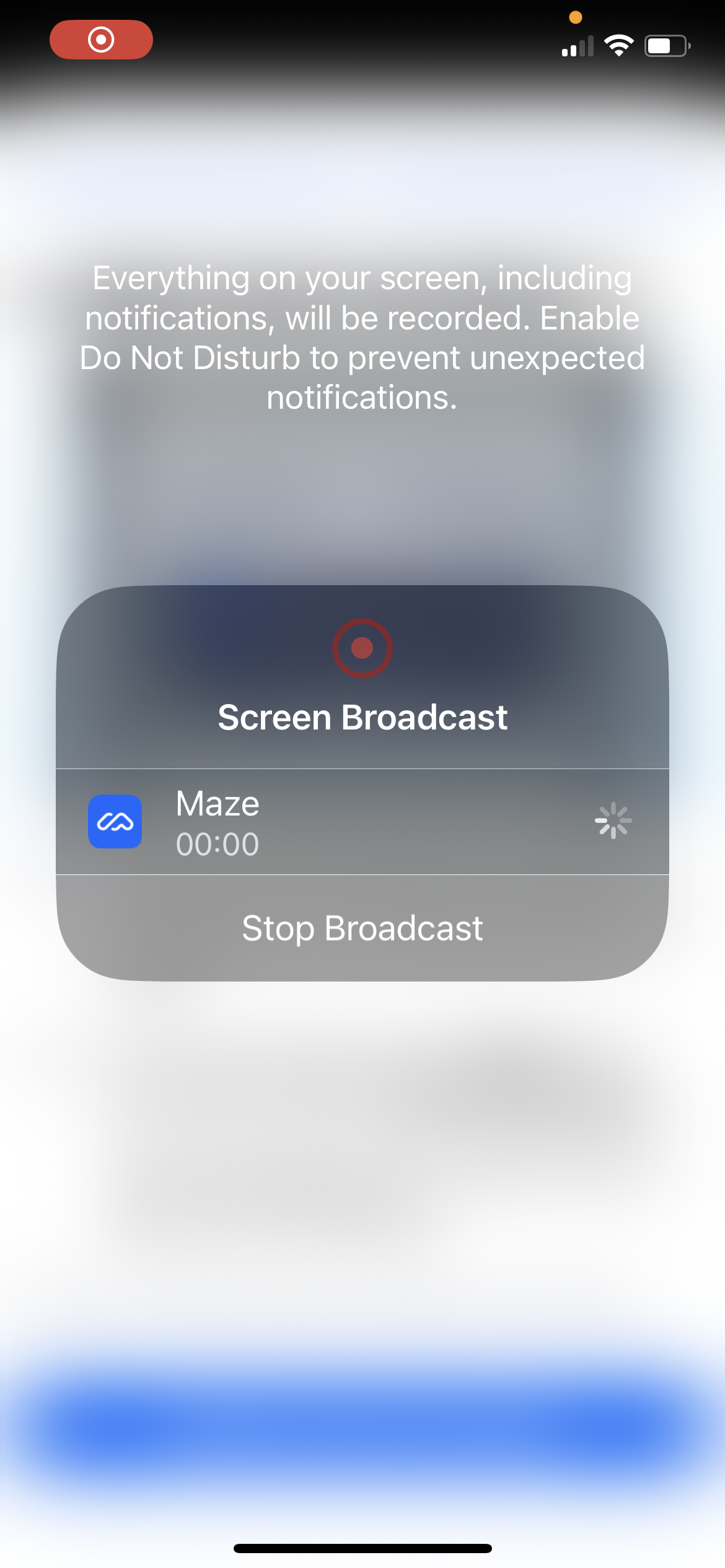
We collect only what is absolutely necessary. When testing a prototype using in-app recording, navigating outside of the Maze Participate App will pause the recording. When a Live Mobile Test block is included, we invite participants to switch on Do Not Disturb mode as this block utilizes broadcasting which can record across multiple apps.
More information & support
To learn more:
- compliance.maze.co for complete information on security and compliance at Maze
- Maze's Data Processing Addendum (DPA) for more information regarding how we process data
- Maze's Privacy Policy for more details regarding how we use information entrusted to us
If you require deletion of personal identifying information (PII), you can do so within your account by deleting the participant’s session.
If you have any questions or concerns, please let our Support team know — we'll be happy to help!