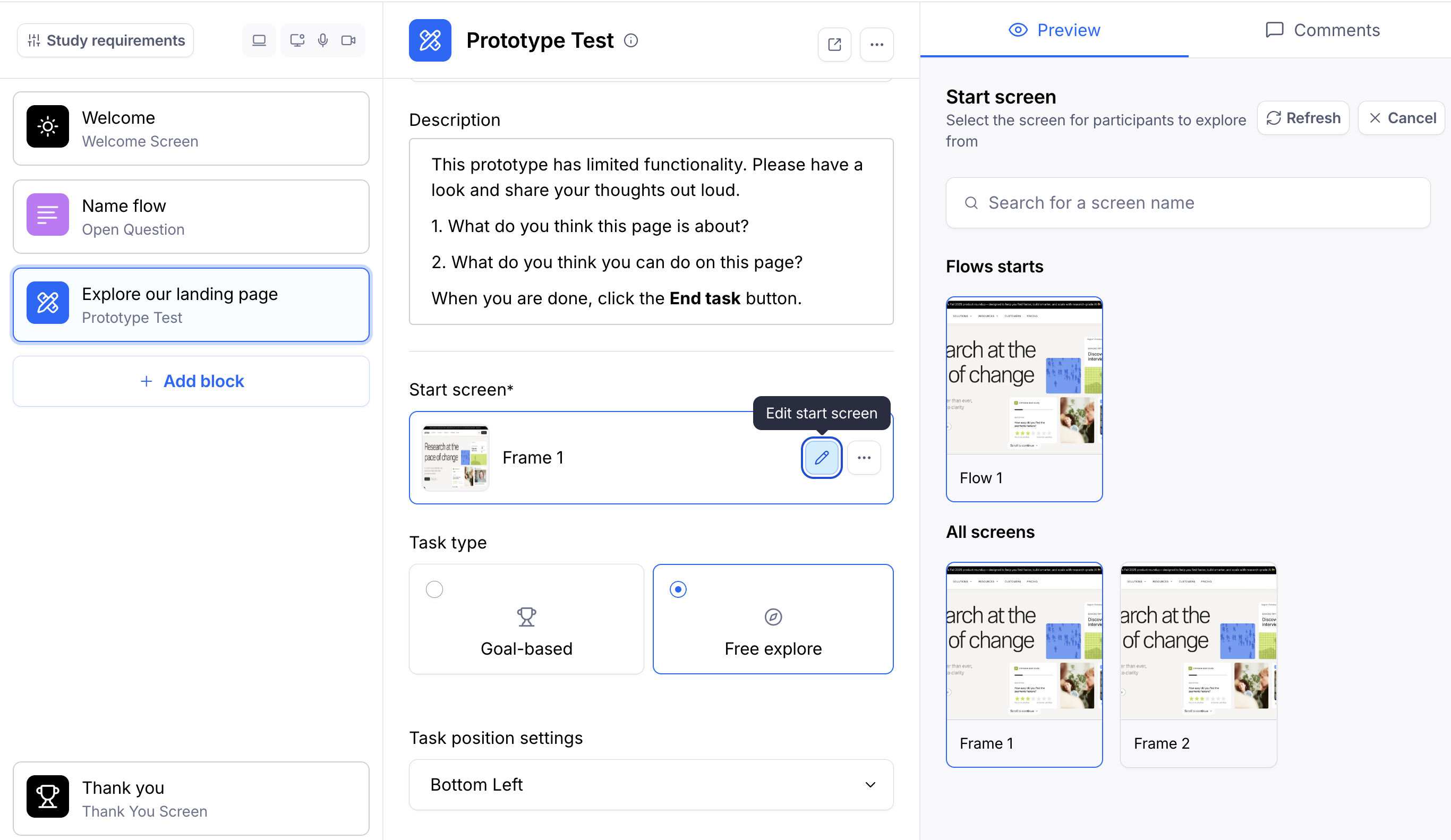
[Prototype test] Changing the start screen of a prototype
Last updated: August 7, 2026
The start screen is the first screen that your participants will see at the beginning of the mission.
To change the start screen, click the Edit start screen button. This will display all imported screens. Click a screen to select it as the start screen.