Letting participants skip questions
Last updated: September 1, 2026
Question blocks are required by default when they're first created. However, you can make questions in your study optional if the question isn't something you want or need every participant to complete—for instance, if certain questions should automatically be skipped as a part of a conditional logic path.
Letting users skip questions can also be useful when you have a longer study and want to make sure participants complete it until the end. This will make it easier for them to skip any questions they don't want to answer and improve your completion rate.
What questions can I let participants skip?
These are the questions you can let participants skip:
Multiple Choice
Matrix
Opinion Scale
Open Question
Simple Input
Yes/No
Skipping missions
While it's not possible to make mission tasks (i.e. prototype or website tests) optional, participants are able to end the task at any time and continue with the study. Learn more:
Making your questions optional
To let participants skip a question, you need to make it optional. Here's how you do it:
Open the study builder
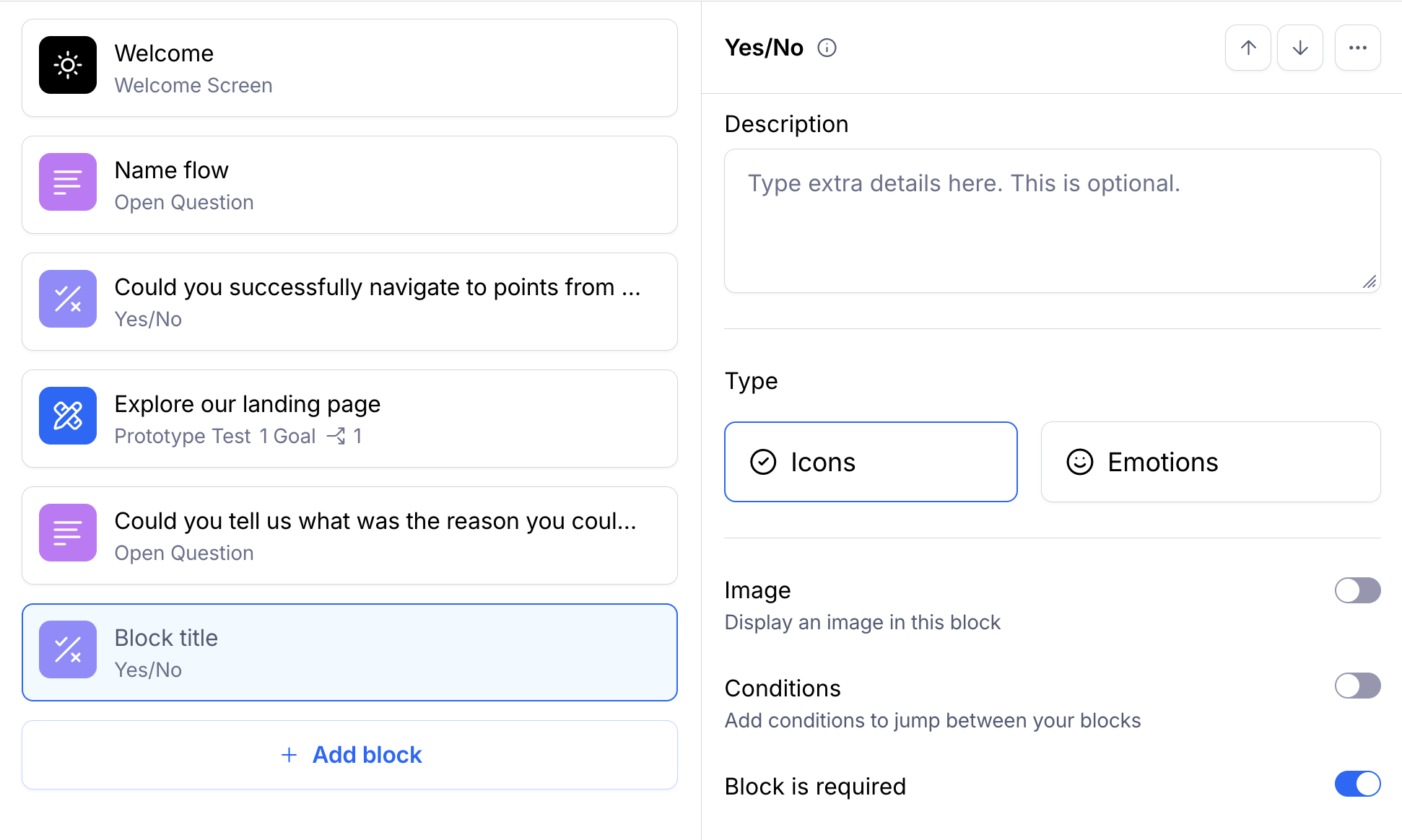
Open the question block you want to make optional.
Toggle Block is required to off.
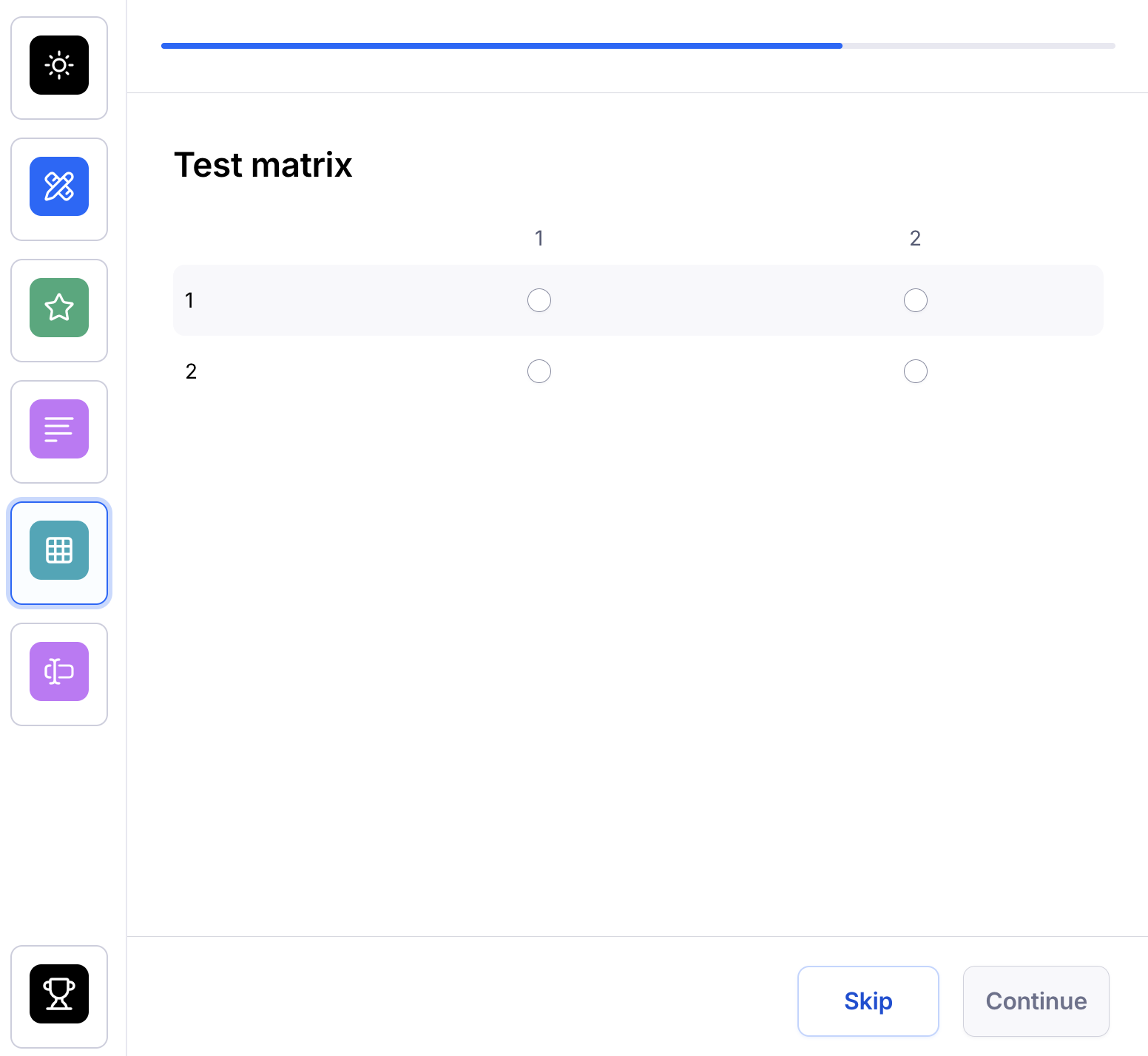
This will enable a Skip button in the question, and participants will be able to skip the question and move forward in the study.