Removing unused seats
Last updated: September 15, 2026
If you've purchased additional seats for members, simply removing a member will keep the seat open. This means that you'll still be charged for that seat in your upcoming billing.
To fully remove a purchased seat:
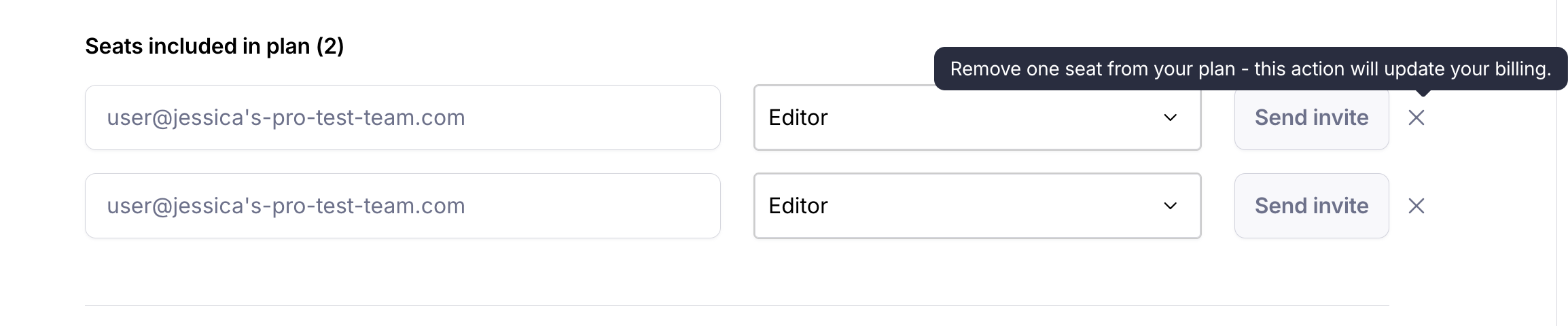
After removing a team member, you will see an empty field under 'Seats included in plan'.
Click the Delete icon (x).
The seat will be removed from your upcoming bills.
Still need help?
If you have any questions or concerns, please let our Support team know — we'll be happy to help!