Why can't I see my team billing?
Last updated: September 15, 2026
When viewing your Billing page, you may come across the following message:
Billing details are not available for your teamIf you're seeing this message, that means that you're seeing the Billing page for a team that doesn't have available billing details for you. This could be:
A Free personal team belonging to a different user
Improper role on an Enterprise plan team
Maze users can belong to multiple teams. Each team is a dedicated workspace with different projects, members, and billing.
Solution
Enterprise plan users
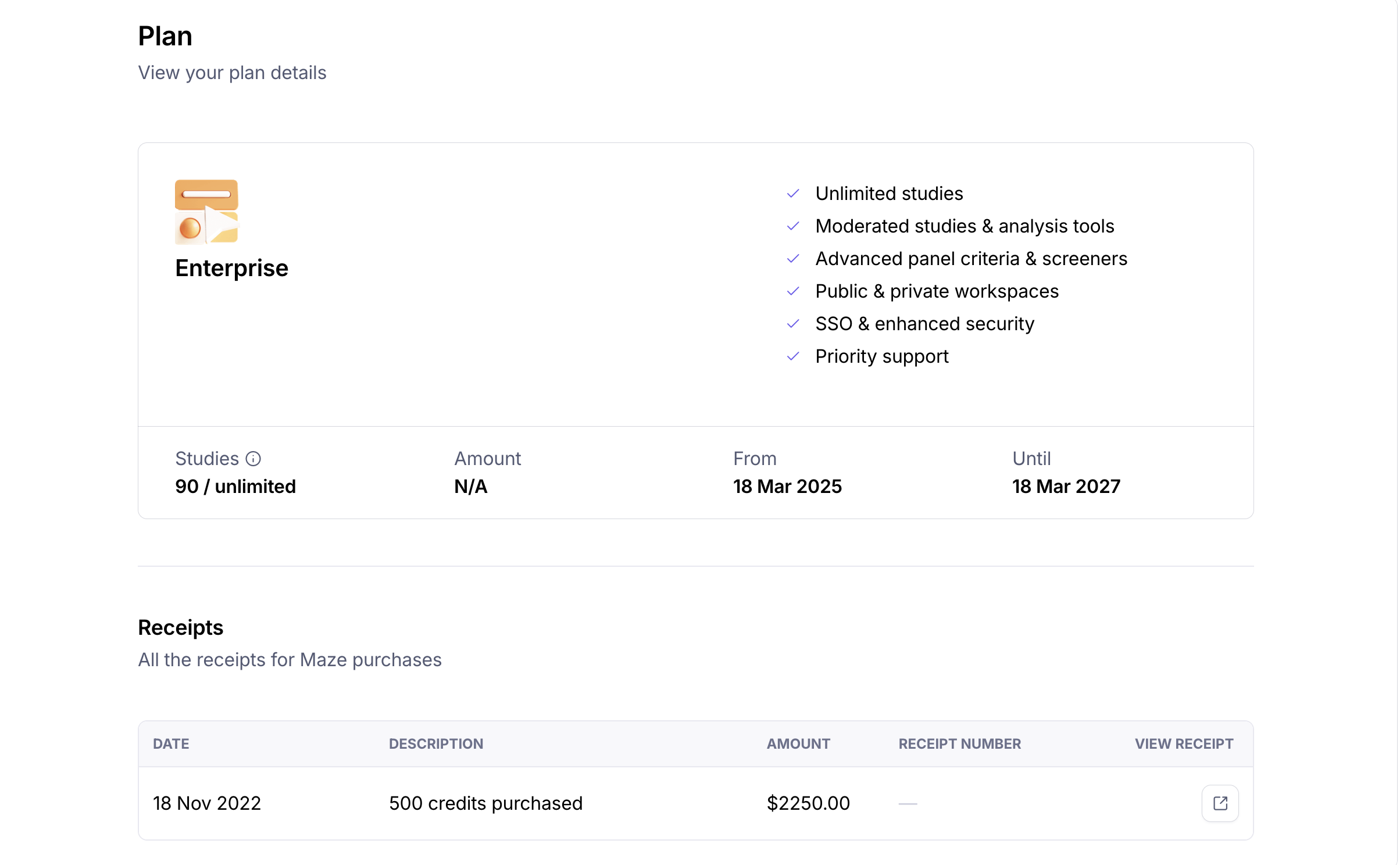
If you're on the Enterprise plan, Owners and Admins are able to view billing details for the team by navigating to the Team Settings and clicking Plan on the subsequent page.
If you are unable to view billing details, you may be an Editor or Collaborator.
Learn more about roles and permissions
Other paid plan users
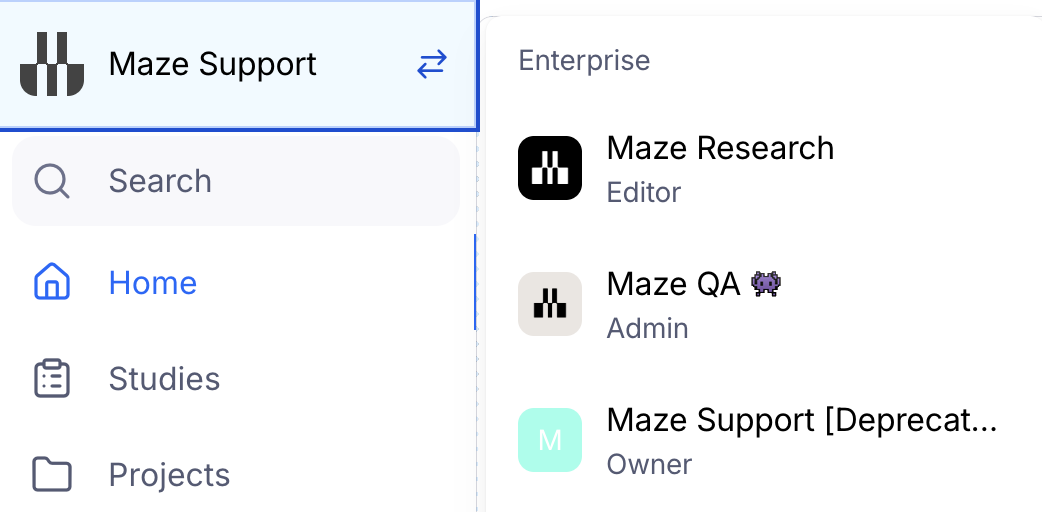
To see the billing for your paid team, make sure the correct team is selected. To do so, click the drop-down in the upper left corner and select the relevant team.
Your subscrip
tion invoices can be downloaded directly from your Maze account by the team owner or an admin.
Learn more about downloading your invoices/receipts
Still need help?
If you have any questions or concerns, please let our Support team know — we'll be happy to help!