How to duplicate a study
Last updated: June 24, 2026
You can duplicate draft and live studies. Duplicating creates a new draft study with the same blocks you’ve previously set.
To create a duplicate copy of a study, from your Projects page, hover over the study you want to duplicate and click Duplicate.
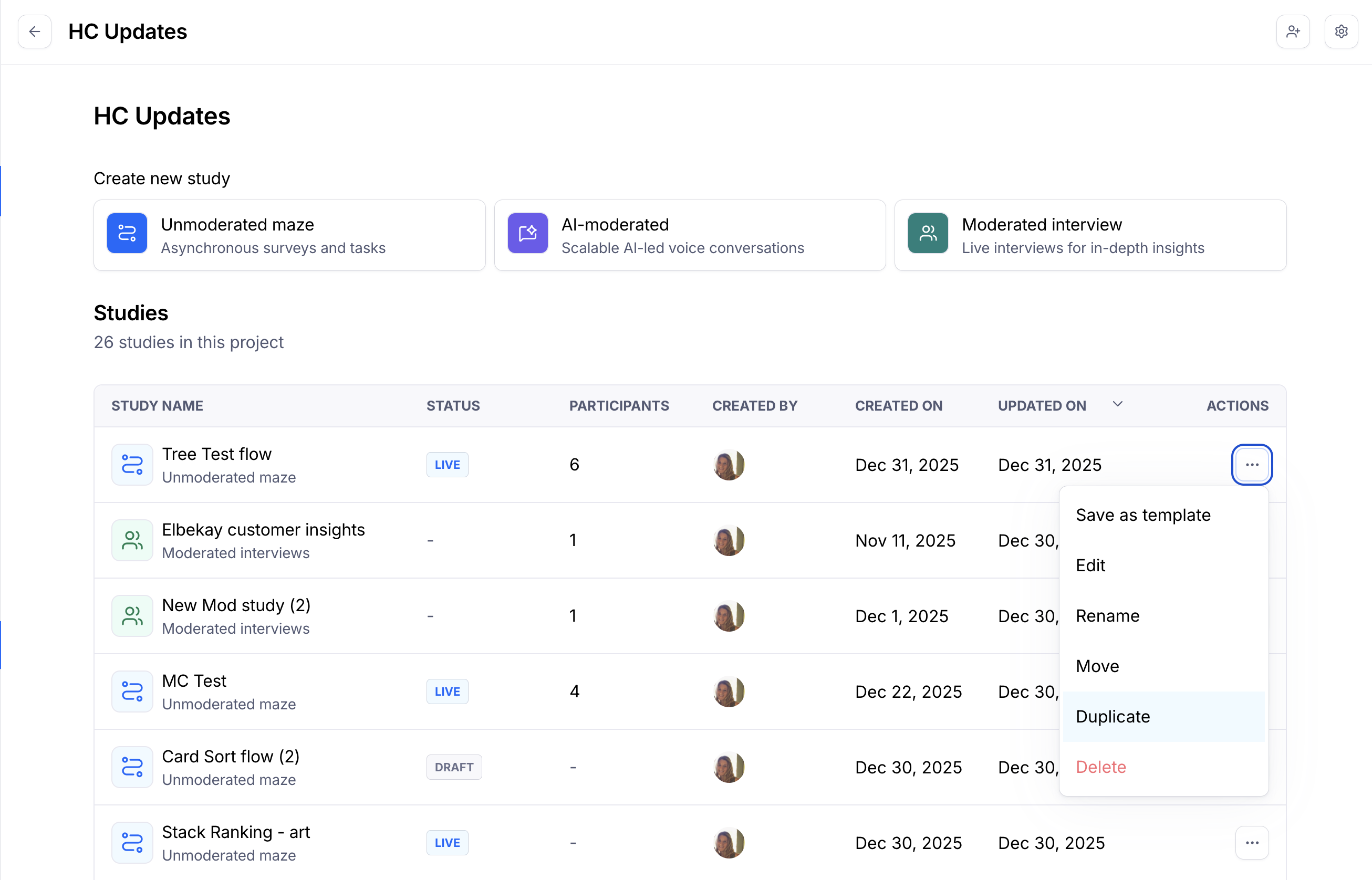
If duplicating a live study, please note that results data isn’t copied to the new version.
Still need help?
If you have any questions or concerns, please let our Support team know — we'll be happy to help!