How to introduce your study to participants
Last updated: August 31, 2026
Introducing your unmoderated study and product to participants is important for creating a good testing experience and getting valuable results.
The concepts of prototyping and user testing may be unfamiliar to some people, and they may occasionally find the testing process confusing.
Customizing the Welcome Screen and using a Context Screen where necessary will help your participants understand what's required of them and what's about to happen. We've found this to be useful for remote testing, giving your participants an onboarding experience without the need to call or email them all the instructions.
Customize the Welcome Screen
The Welcome Screen is the first screen participants see — a great opportunity to engage them right away.
If you're on a paid plan, you can edit the Welcome Screen with your own message and image. Here, you can brief participants on your company, product, and the test's goal.
A few ideas on what you can include:
Company name
The feature you're testing
The goal of the test
Type of testing (e.g., early testing, usability testing, user testing session, remote testing)
Other relevant details
Learn more about the Welcome screen
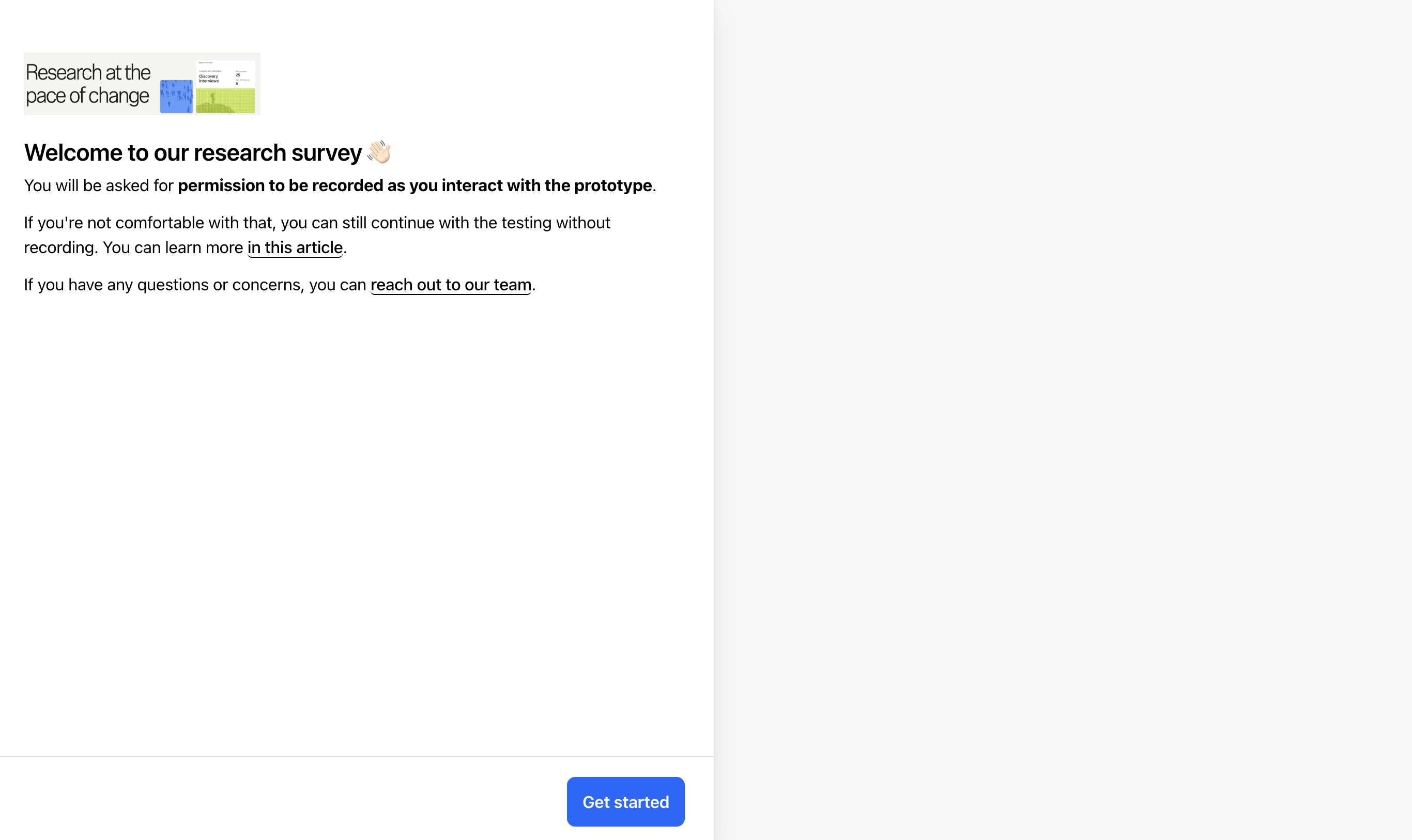
Add a context screen to your study
If you want to offer more information to participants before the tasks and questions begin, you can add a Context Screen to the beginning of your study. Use this screen to share information your participants will find useful or need to know before they start.
Learn more about Context screens
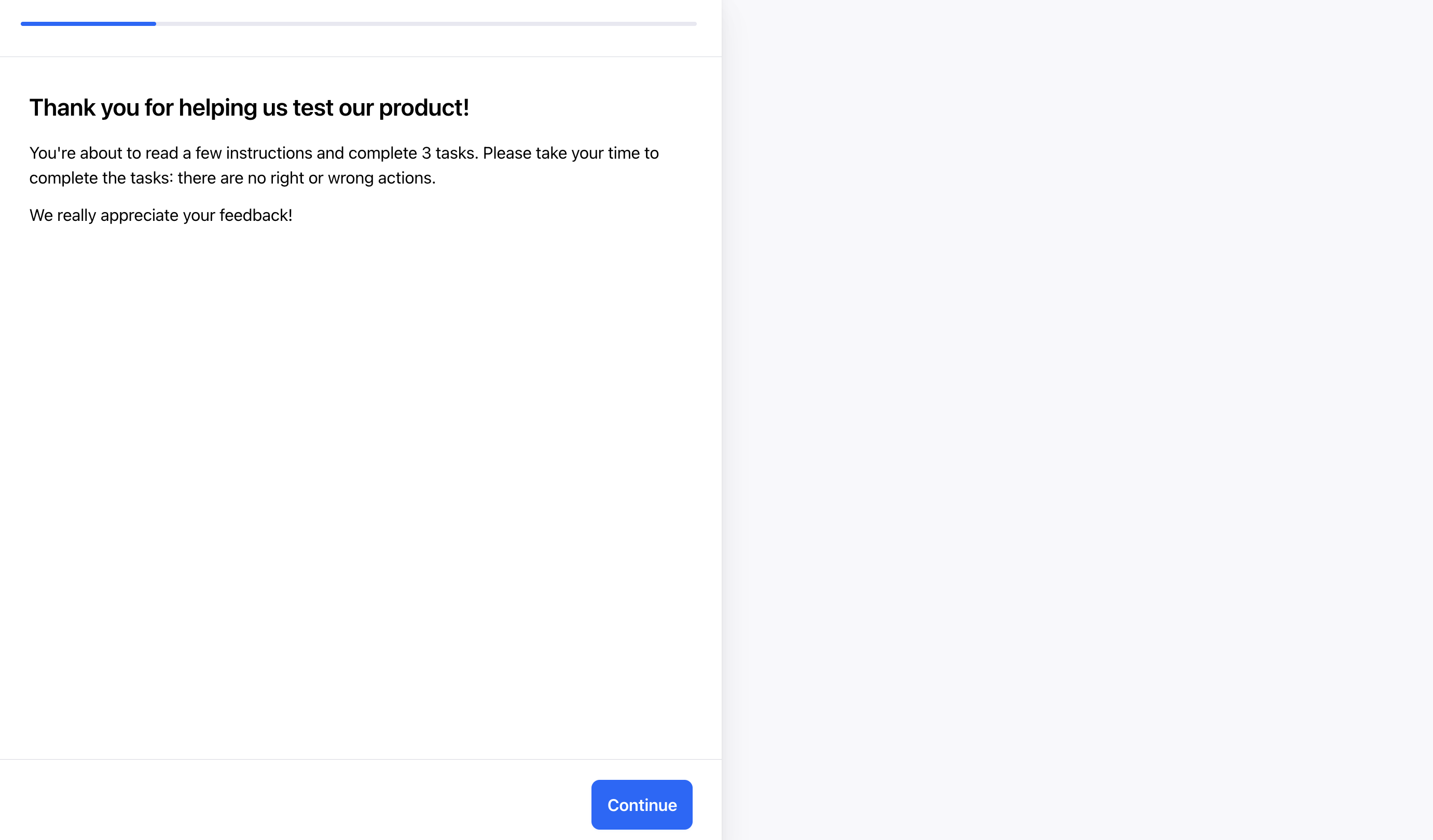
Write clear tasks and descriptions
To get the most accurate results, follow these best practices when drafting your tasks and descriptions.
Best practices for writing tasks and descriptions