How do I upgrade my team?
Last updated: September 15, 2026
Upgrading your team will increase your project and study limits and give you access to paid features.
Where can I learn more about the existing plans and pricing?
Information about the most recent plans is available at maze.co/pricing. The pricing and features available on your account may be different than what is listed on that page. Learn more
To confirm the plans and pricing that apply to you, please log into your account and review the information in https://app.maze.co/upgrade.
The Maze pricing is in US dollars (USD) and excludes taxes.
Can I try Maze only for a month?
Absolutely—after upgrading, you can downgrade at any time.
Alternatively, If you're creating a new account with Maze, you'll automatically open a trial team, which includes 30 days to try all of our premium features completely free.
How to upgrade your team
Starter plan
Before you start:
Prices are listed in US dollars.
We support payments with major debit/credit cards. Other payment methods (e.g. invoice, bank transfer, etc.) aren’t supported for the Starter plan.
A team can only be upgraded by its owner. If you’re not the owner of the team you want to upgrade, be sure to share the instructions in this article with them. Alternatively, you can submit a support request for assistance.
To upgrade to the Starter plan:
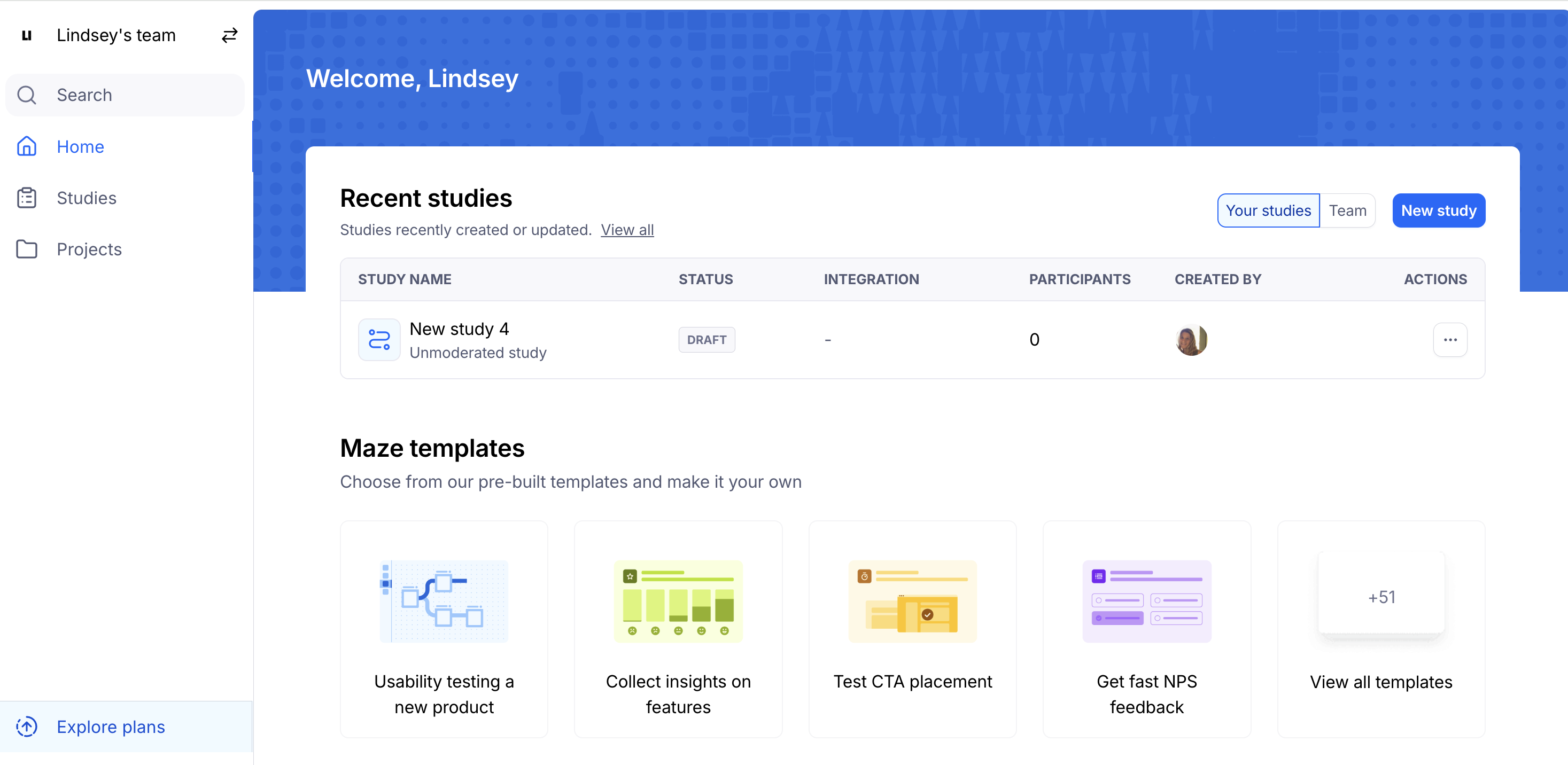
Select the team you want to upgrade.
Click Explore plans. You’ll be taken to the upgrade page (app.maze.co/upgrade)
Under the desired plan, click Get started.
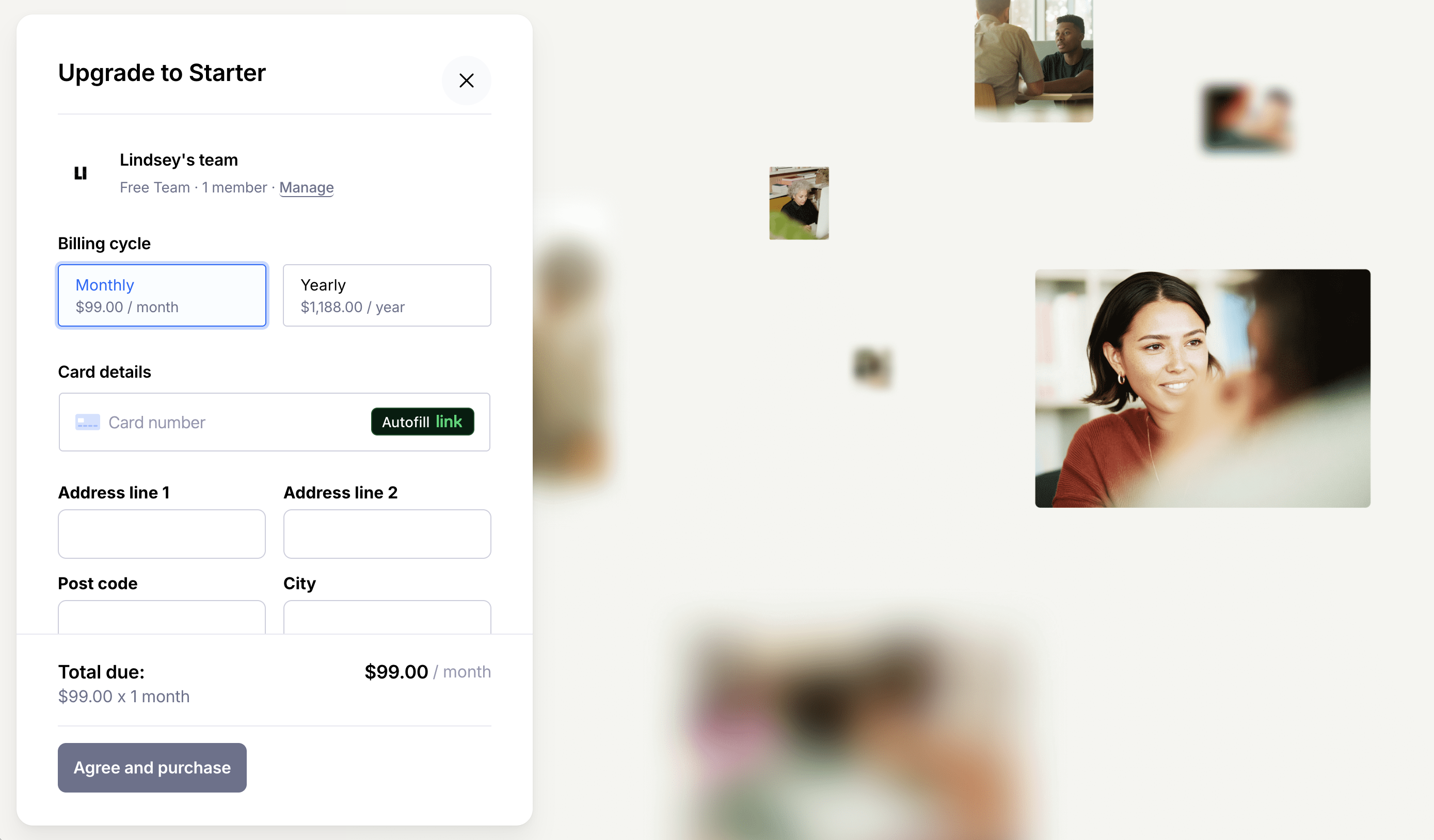
Enter your card details and use the toggle to select annual or monthly billing.
Click Agree and purchase to upgrade.
Sales-managed plans
The Enterprise plan is Maze’s most comprehensive plan.
To learn more about this plan, please send us a contact request using the Contact Sales form in app.maze.co/upgrade
Where can I find my invoices?
After you upgrade, your subscription invoices can be downloaded directly from your Maze account by the team owner or an admin.
Learn how to access your invoices
Cancel the upgrade
All Maze subscriptions renew automatically either monthly or annually, depending on the billing option you selected when upgrading.
If you want to cancel your paid subscription, please contact our Support team. Learn more here: How do I cancel my subscription?
Still need help?
If you have any questions or concerns, please let our Support team know — we'll be happy to help!