Updating your team name and icon
Last updated: September 14, 2026
How to rename your team
You can rename your existing team at any time. To do so:
Make sure the relevant team is selected.
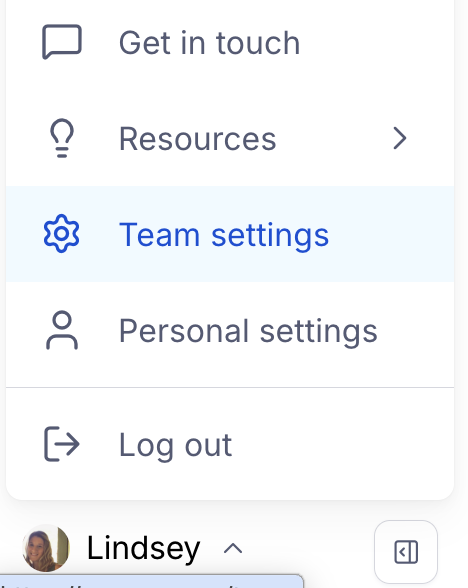
Click your avatar at the bottom left corner of the side navigation, and click Team Settings.
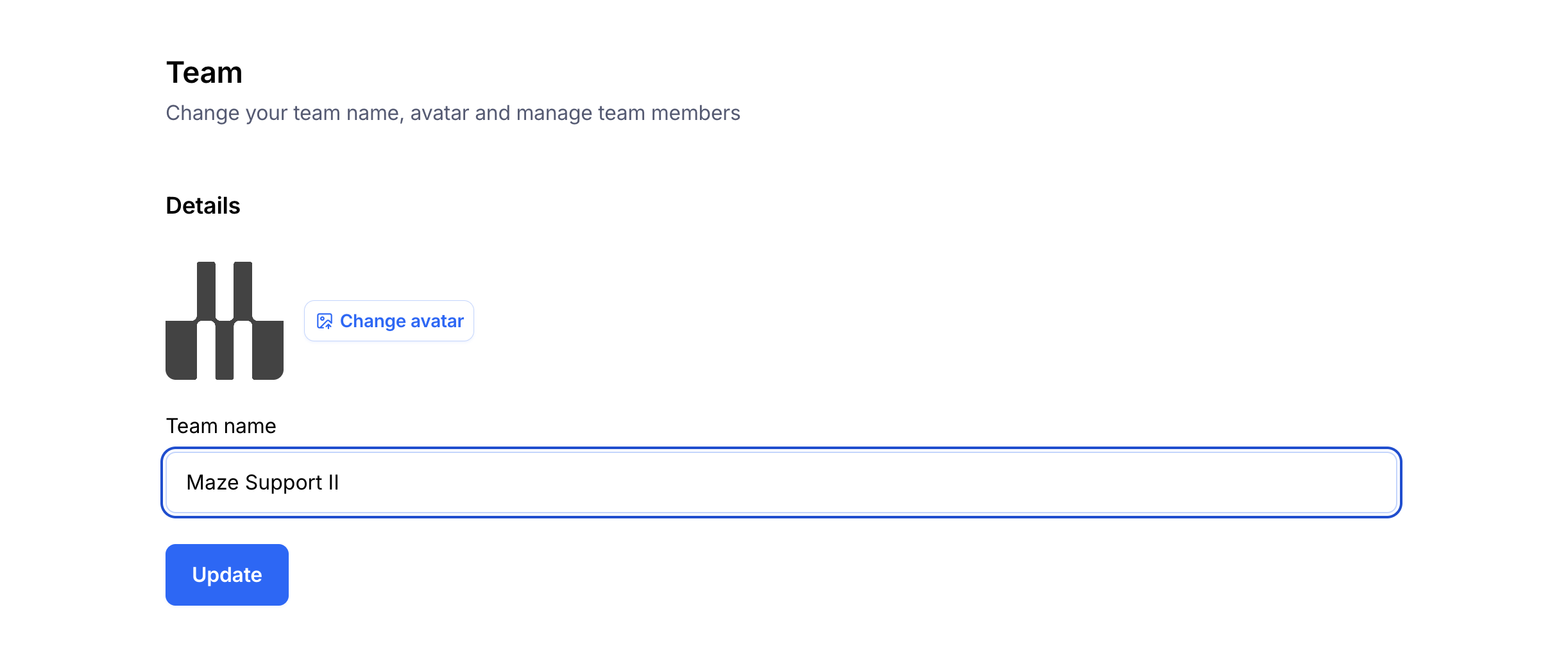
In the 'Team' tab, enter the new name in the Team name field.
To confirm, click Update.
You can use an emoji in your team name if you want to get creative, or want to easily distinguish between teams 🎉
Adding or changing your team logo
You can customize your team icon to make it more easily recognizable.
To add or update your team logo:
Make sure you've selected the relevant team.
Click your avatar at the bottom left corner of the side navigation, and click Team Settings.
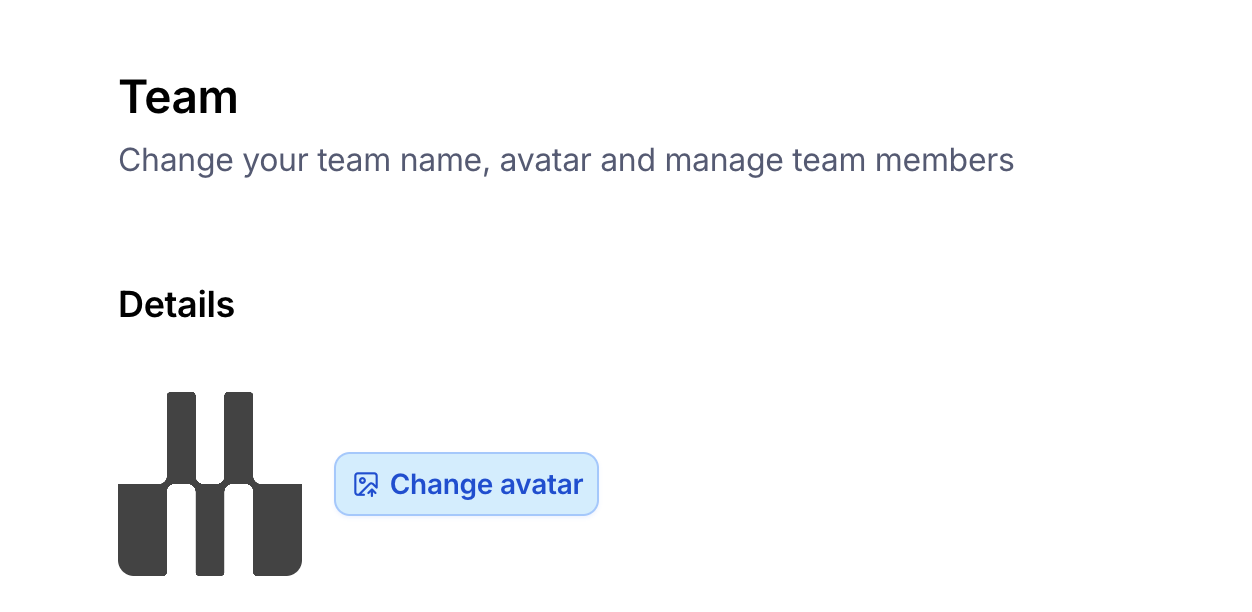
Click Change avatar next to your current icon.
Select the image you want to upload, and click Open.