Access the Control Panel in Team Settings
Last updated: September 14, 2026
Before you start
The Control Panel is only visible to Team Owners or Admins on an Enterprise or Legacy Business plan. The settings in the Control Panel allow you to toggle account level access to specific features related to AI and the ingestion, handling, and sharing of personal identifying information (PII).
While the Control Panel is available to teams on a Legacy Business plan, these teams will only see toggles for AI features.
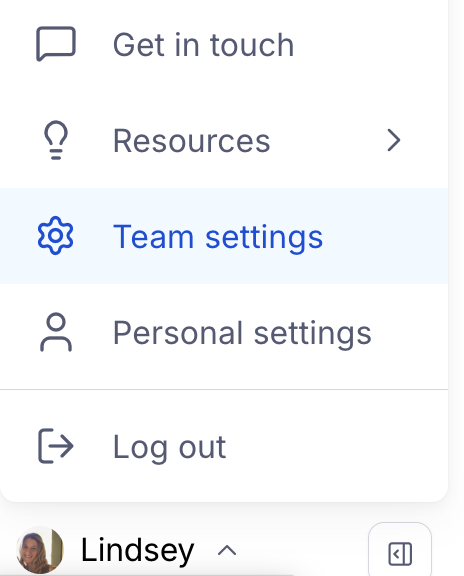
Access the Control panel
Click your avatar in the left hand panel and then select Team settings.
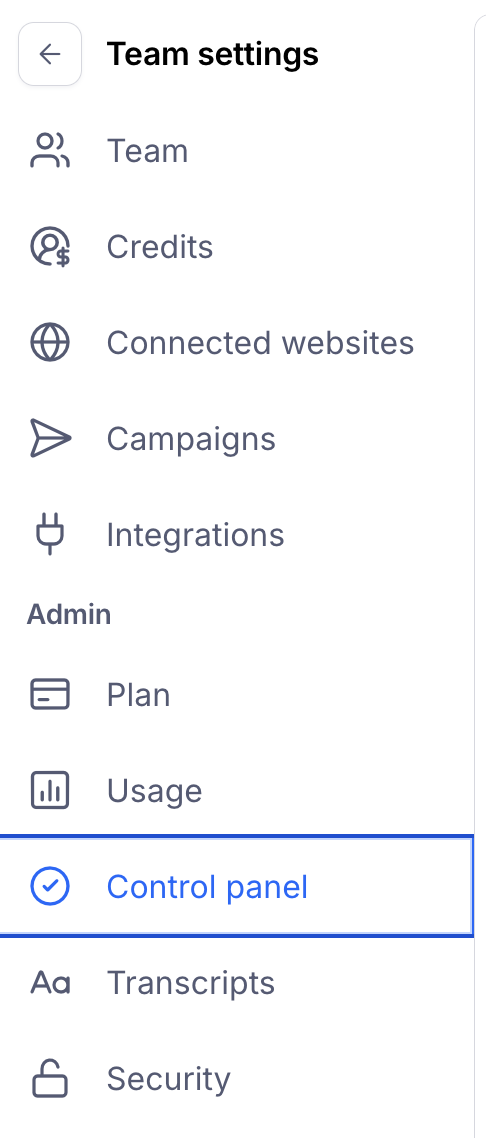
Select Control panel
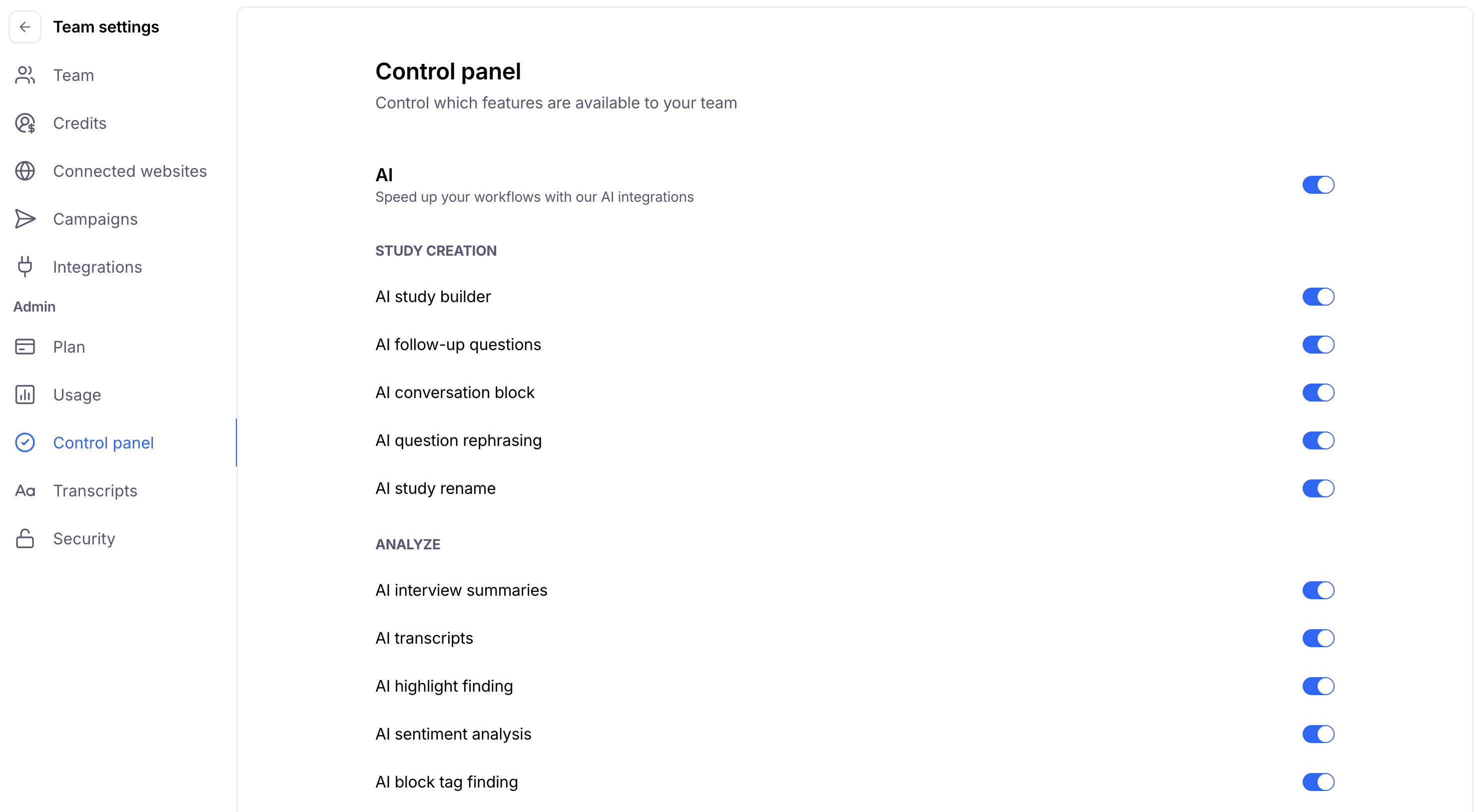
Editable settings within the Control Panel
AI
These settings allow you to granularly control which AI features your account has access to. You can opt out of all AI features in bulk using the top toggle, or grant/revoke access for individual features like AI Study Rename or AI Moderated Theme Finding.
Features are broken down between Study Creation, features that aid in building out your study, and Analyse, features that analyze results from interview studies.
Clips
You can toggle access to Clips and the collection of participant audio, video, and screen recordings.
Interview Studies
You can toggle the ability to conduct moderated interviews with participants.
Public Report Sharing Link
You can toggle report links being publicly accessible without requiring a login.
Reach
You can toggle the ability to manage your participant database directly in Maze using our participant management tool, Reach.