Limiting the number of cards per category
Last updated: August 31, 2026
You can limit the number of cards a participant can sort into each category in a closed Card Sort.
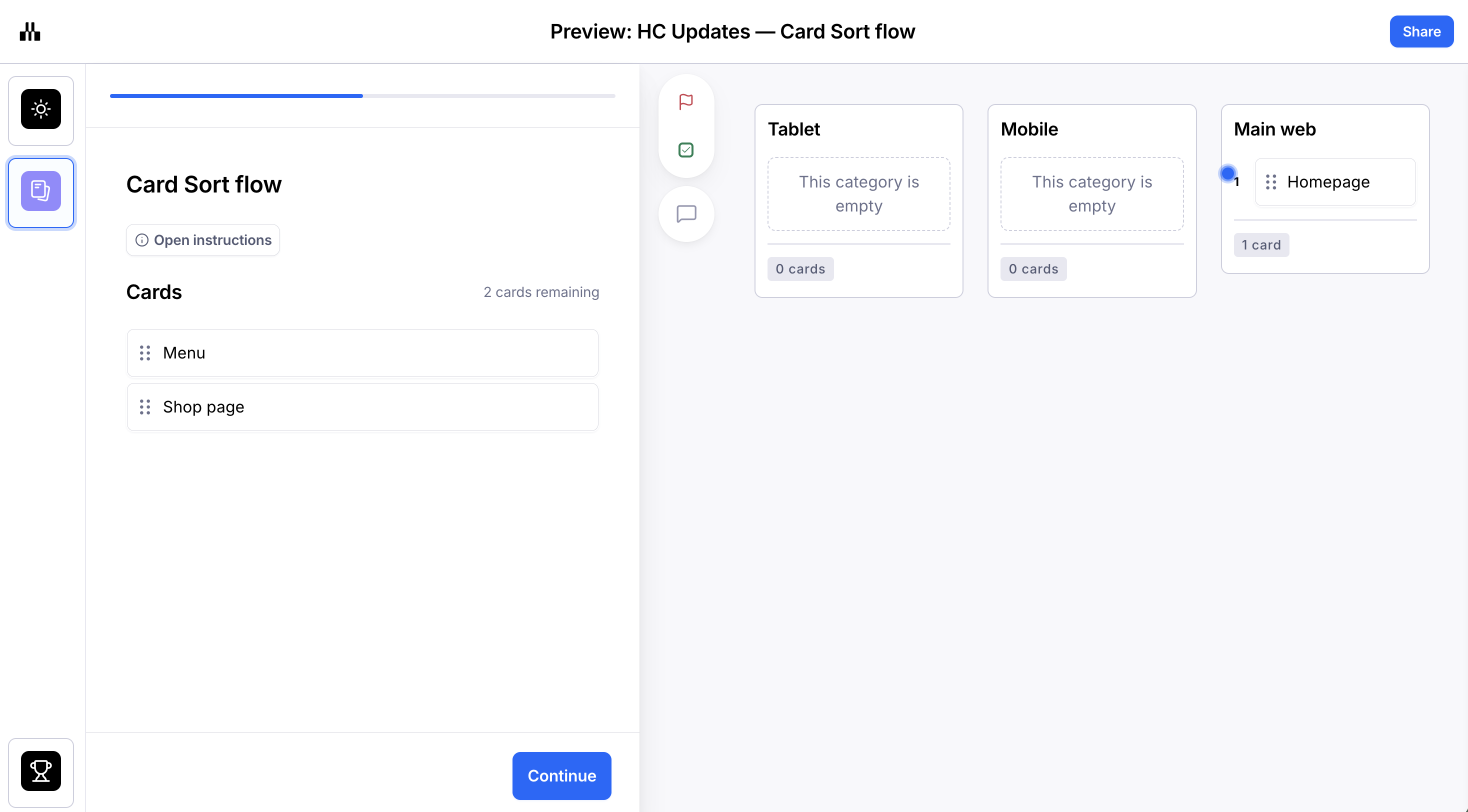
To add a maximum number of cards to a category:
Open a card sort block in a draft study.
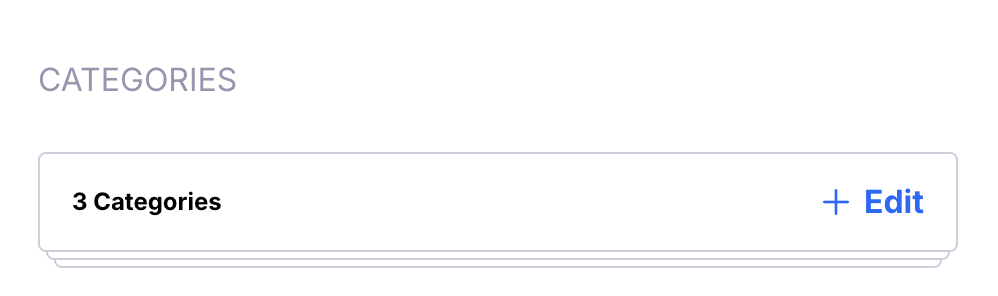
Open the Categories editor. Please note that the Categories editor is only available in closed card sorting.
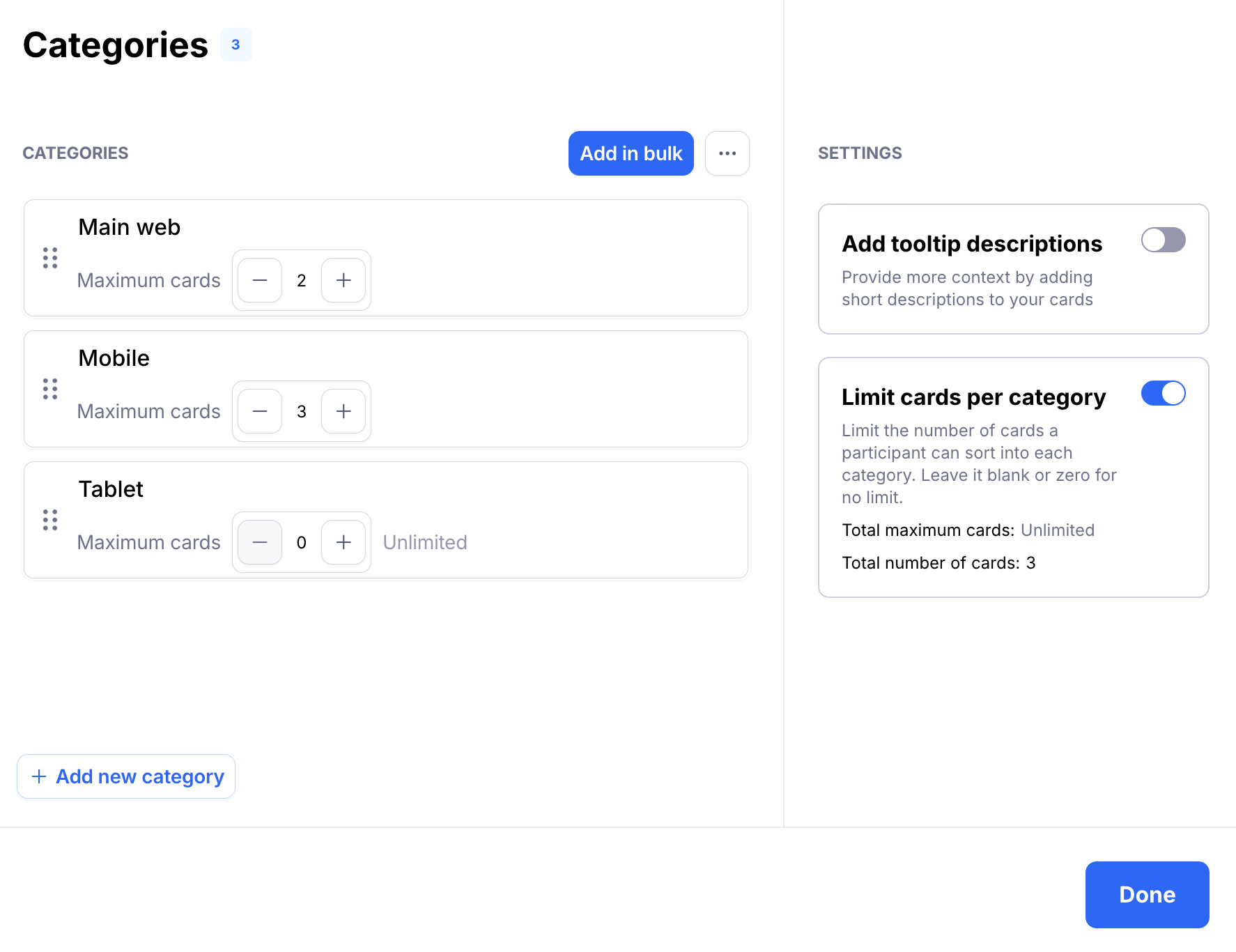
When adding or editing categories, click the toggle Limit cards per category.
This will reveal a field where you can adjust the card limit for each category. Leave that field blank (zero) to allow users to add unlimited cards to that specific category.
To save, click Done.