Legal Screens
Last updated: November 27, 2026
A Legal Screen asks participants to agree to terms before they continue. You can upload a PDF or add a link to the document. If participants don’t click I agree with the terms, they’ll be unable to continue with the test or survey.
Who can use this feature?
Legal Screens are an Enterprise plan feature.
How to add a Legal screen:
Open your draft study, or create a new one.
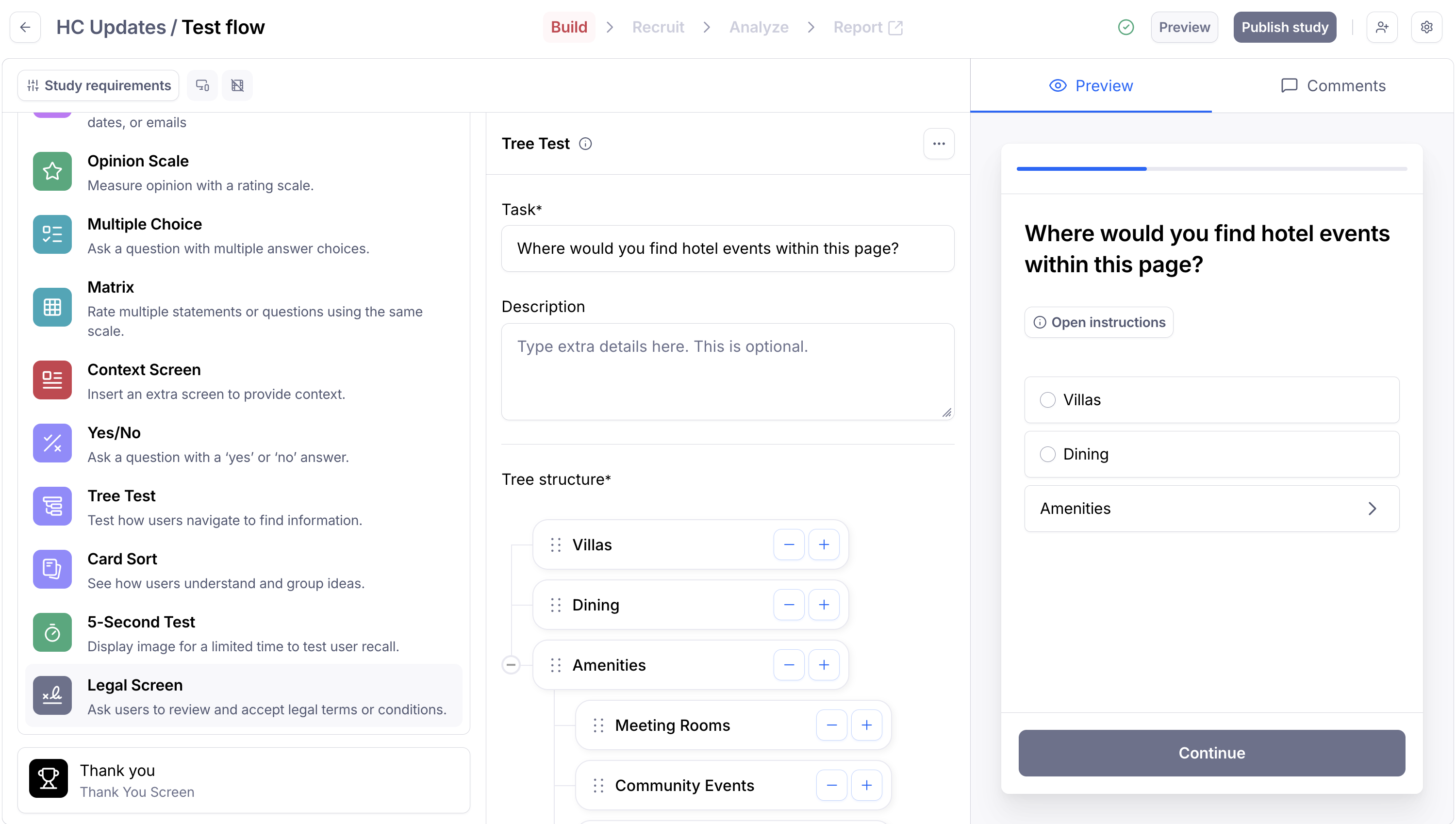
In the blocks list, click + Add block.
Select Legal Screen from the drop-down
Write your title. Optionally, include a longer description.
Upload a PDF or add a link to the document you want to present, such as an NDA, consent form, privacy policy, or other type of contract.
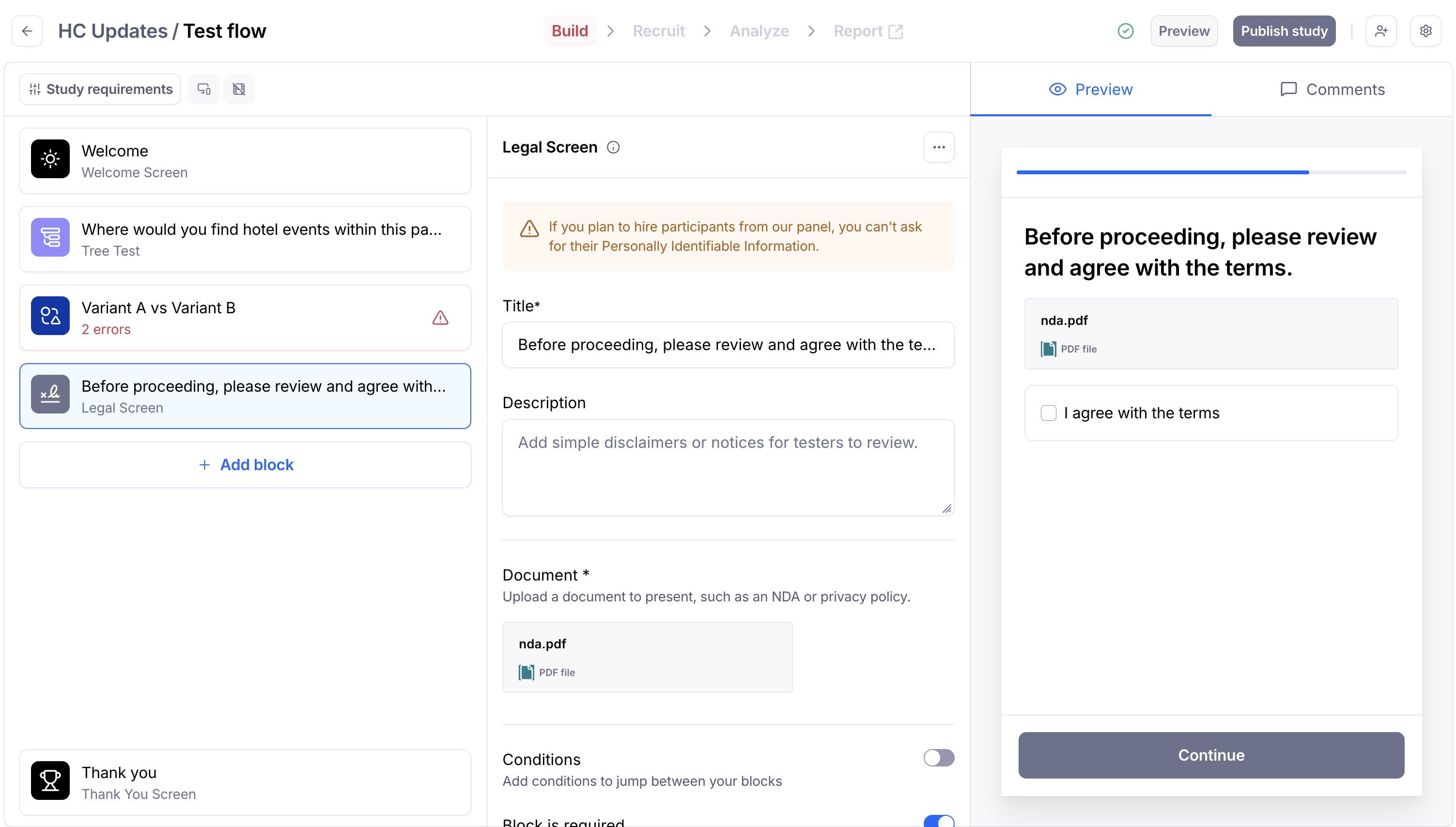
When placing panel orders, consent is obtained from panel participants through their acceptance of terms of service from the panel provider in use (Prolific). Please note that, according to the panel TOS, you can’t ask panel participants for personally identifiable information (PII). Learn more about panel participant sourcing, consent process & terms of service
To ask participants in moderated interview studies to accept an NDA or consent document, use Participant consent in the recruitment settings. Learn more about participant consent
Still need help?
If you have any questions or concerns, please let our Support team know — we'll be happy to help!