Present an image with a 5-Second Test
Last updated: August 5, 2026
A 5-Second test allows you to add a static image to present to your participants.
The 5-Second test gauges user recall. It helps you understand what information users take away, and what impressions they get within the first seconds of viewing a design.
When should I use a 5-Second Test block?
5-Second tests are suitable for determining the user’s first impressions. A 5-Second test can help determine if your design is effectively sharing its primary message.
Questions can include:
What is the purpose of the page?
What are the main elements you can remember?
Who do you think the intended audience is?
Did the design/brand appear trustworthy?
What was your impression of the design?
Adding a 5-Second testing block
To add a 5-second test:
In the blocks list of your draft study, click Add block.
Select a 5-Second Test block from the drop-down.
Instructions: You can use the default title and description you see in the preview, or enable Customize instructions to add your own.
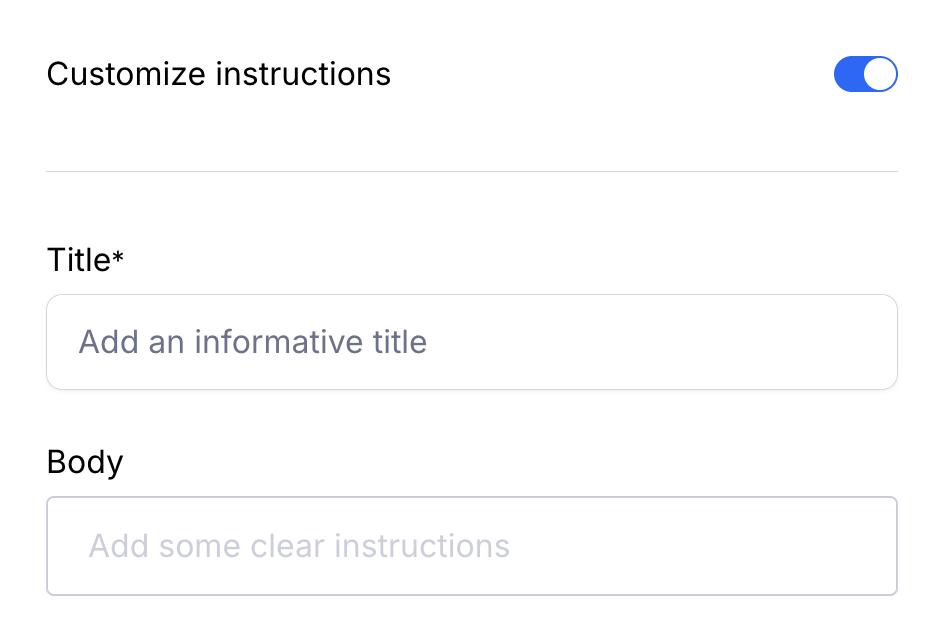
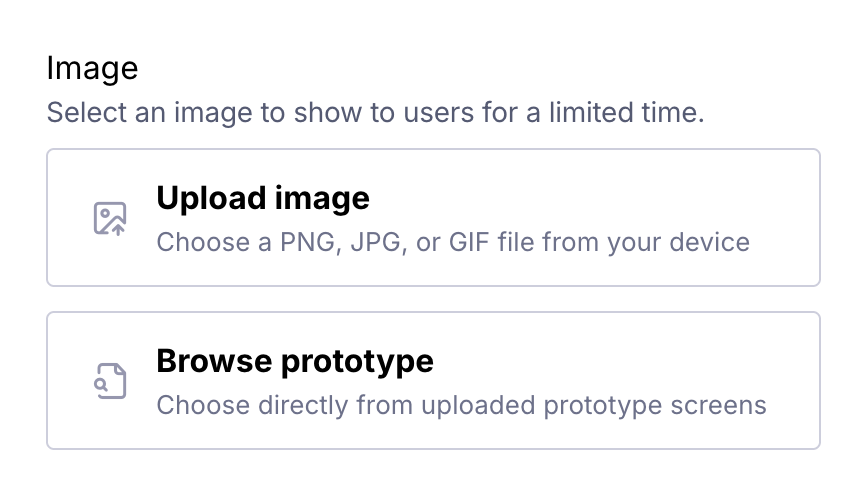
Image: Upload a local JPG, PNG, or GIF file. The maximum image size is 5mb. Learn more about uploading images to blocks
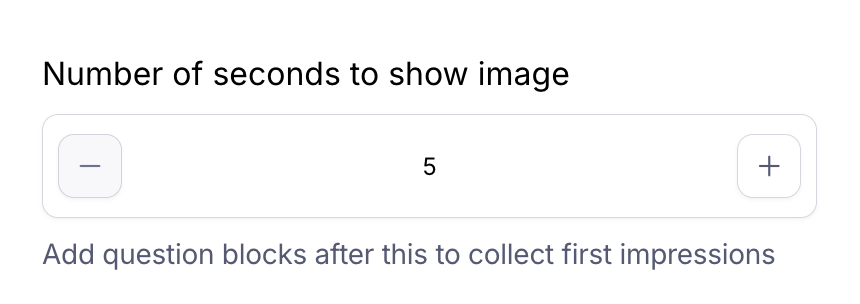
Duration: Define how long participants will view the image. This ranges from 5 to 20 seconds.
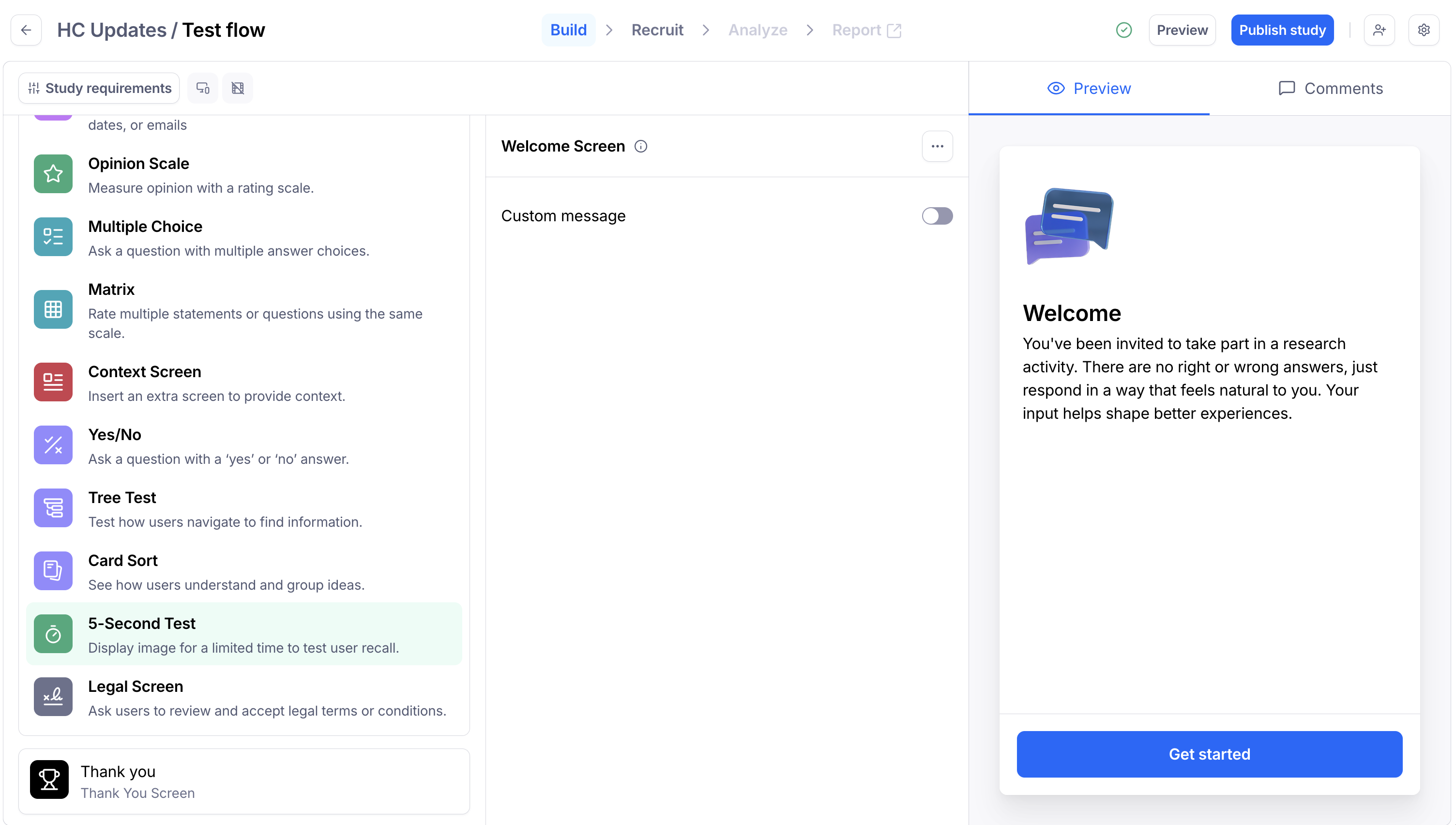
Follow-up question: Remember to add a follow-up question to collect your users’ impressions about the image they just saw.
Relevant block types to use in your follow-up questions: Open Question, Yes/No, Opinion Scale, Multiple Choice,