Collect closed-ended answers with Yes/No questions
Last updated: August 4, 2026
Ask a Yes/No question when you want a closed-ended answer to your question: 'Yes' or 'No'. Participants can indicate their preferences by selecting one answer. With this question type, you can measure the preference between the two choices.
How to add a Yes/No question
To add a Yes/No question to your test:
Open your draft study, or create a new one.
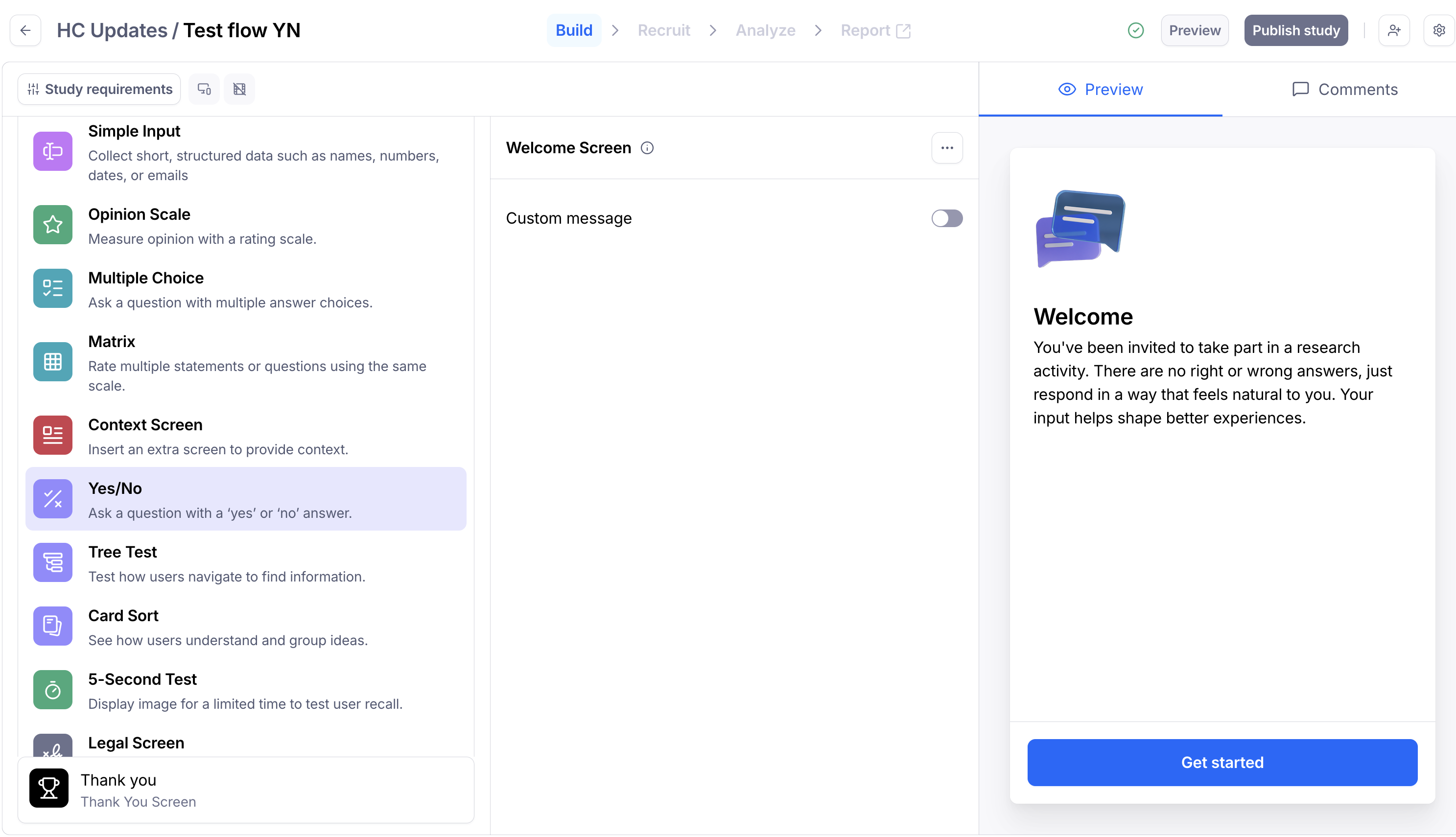
In the blocks list, click Add block, then select a Yes/No block from the drop-down.
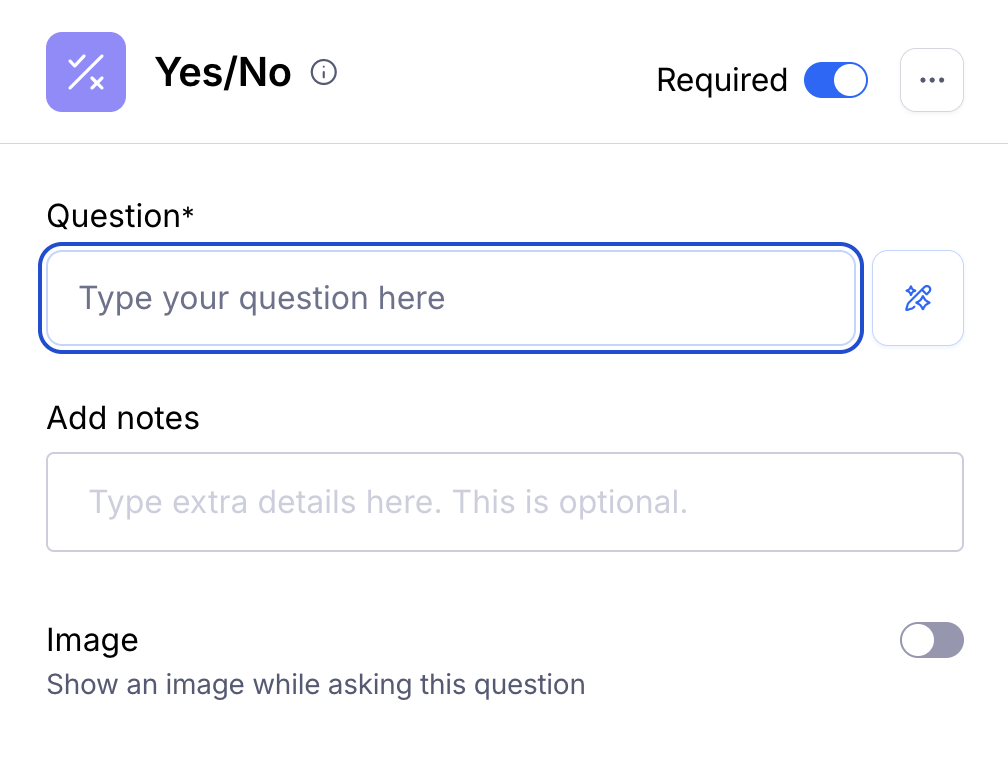
Type your Question. Optionally, add extra details in the Notes or add an accompanying image. Maze supports GIF, PNG, and JPG files. The maximum image size is 5mb. Learn more about using images alongside your questions
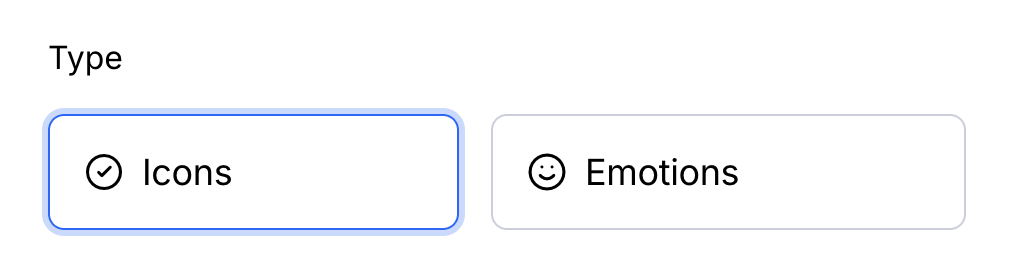
Choose the format of the replies: Icons or Emotions
You can see how this block will appear to participants on the right-side Preview panel.
Paid customers can use the AI-powered assistant to improve the clarity and legibility of questions and tasks, while avoiding possible research biases (e.g. leading language). Learn more
Results & reporting
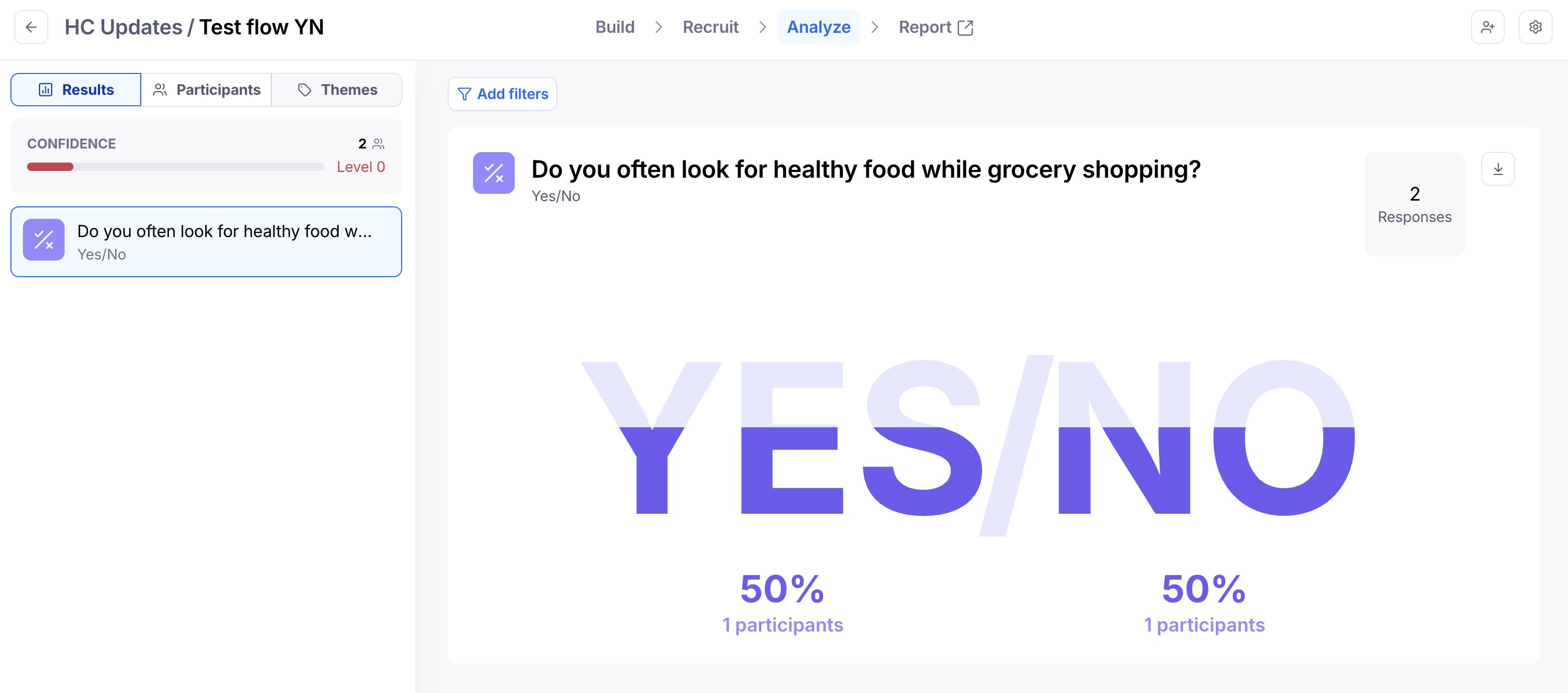
When viewing results for a Yes/No question, you'll see an aggregated view of all answers. Scroll down to the bottom to see the individual responses.
In the exported CSV file, you'll find the following results data related to this block:
value: If 'TRUE', that means the participant picked 'Yes'. If 'FALSE', that means the participant picked 'No'.