Available targeting filters when recruiting participants from the Maze panel
Last updated: August 6, 2026
The Maze panel is powered by multiple providers. Our Core Network is powered by Prolific, while our Extended Network is powered by Respondent, Bilendi, and Terac. Visit each provider’s website to learn more about their participants.
You can select the following screening criteria:
Basic: Country, Age, Sex
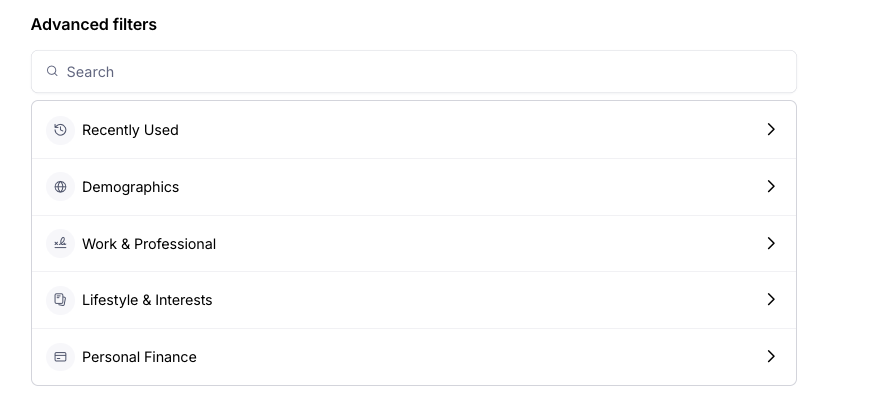
Advanced: Demographics, Work & Professional, Lifestyle & Interests, and Personal Finance. Advanced filters are available for Enterprise plan users.
Please note that the pool size of available participants is significantly smaller for certain filters.
You can explore all panel available filters in the Home dashboard in app.maze.co.
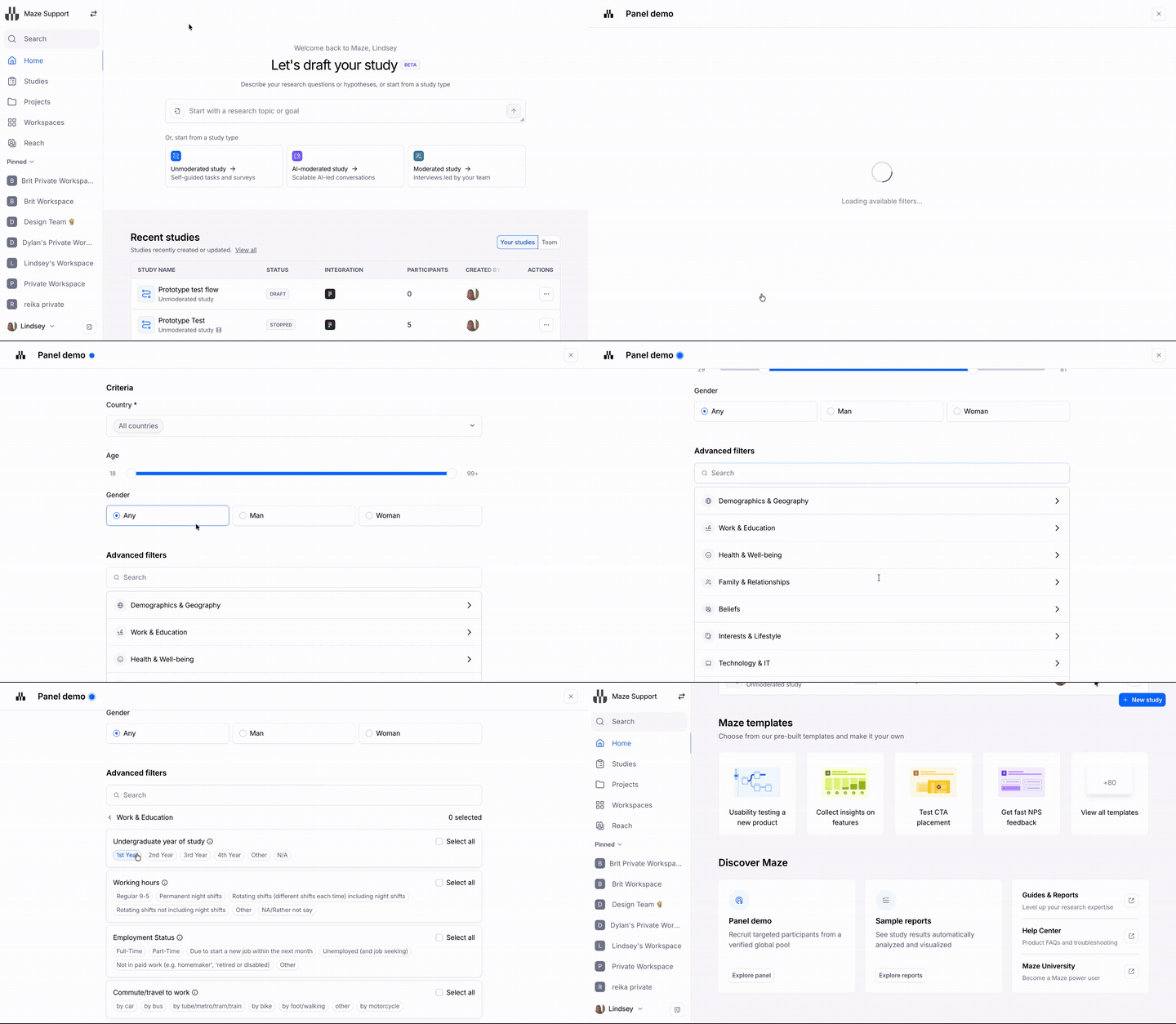
Basic criteria
These filters are available to users on all plans.
Country
To hire participants, you must select a country or countries.
The panel has participants living in most OECD countries, including the United Kingdom, United States, France, Germany, Spain, among many others.
Gender
Any
Man
Woman
Age
You can select participants between 18 and 100 years old.
Advanced criteria
Advanced filters are available for users on the Enterprise plan.
Advanced criteria includes:
Banking products
Car ownership
Cell/Mobile phone service
Company size
Driver's licence
Employment status
Ethnicity
Financial decision-making
Highest education completed
Home internet provider
Household income
Industry
Insurance types
Investment experience
Investment products
Job function
Job seniority
Job title
Languages spoken fluently
Long-term health condition or disability
Marital status
Military status
Nationality
Number of children
Online banking usage
Online gambling games
Online shopping frequency
Personal income
Pet ownership
Phone operating system
Primary bank
Primary language
Property ownership
Retirement plan
If you have placed a previous panel order recently on your account, you can select Recently used at the top of the filter selector, beneath Advanced criteria. This displays your 5 most recently used filters, making it faster to apply the targeting criteria you've used before without having to search through all available categories.
Recently used filters
If you have placed a previous panel order recently on your account, you can select Recently used at the top of the filter selector, beneath Advanced criteria. This displays your 5 most recently used filters, making it faster to apply the targeting criteria you've used before without having to search through all available categories.
Exclude Past Participants
Available for Enterprise plan users, the Exclude past participants toggle lets you prevent previously recruited participants from being included in a new panel order. There are two exclusion options:
From this project: Prevents participants who have already completed a study in the same project from being recruited again
From any project in your team: Prevents participants who have ever completed any study from your team from being recruited
Still need help?
If you have any questions or concerns, please let our Support team know — we'll be happy to help!