Thank You Screen
Last updated: August 5, 2026
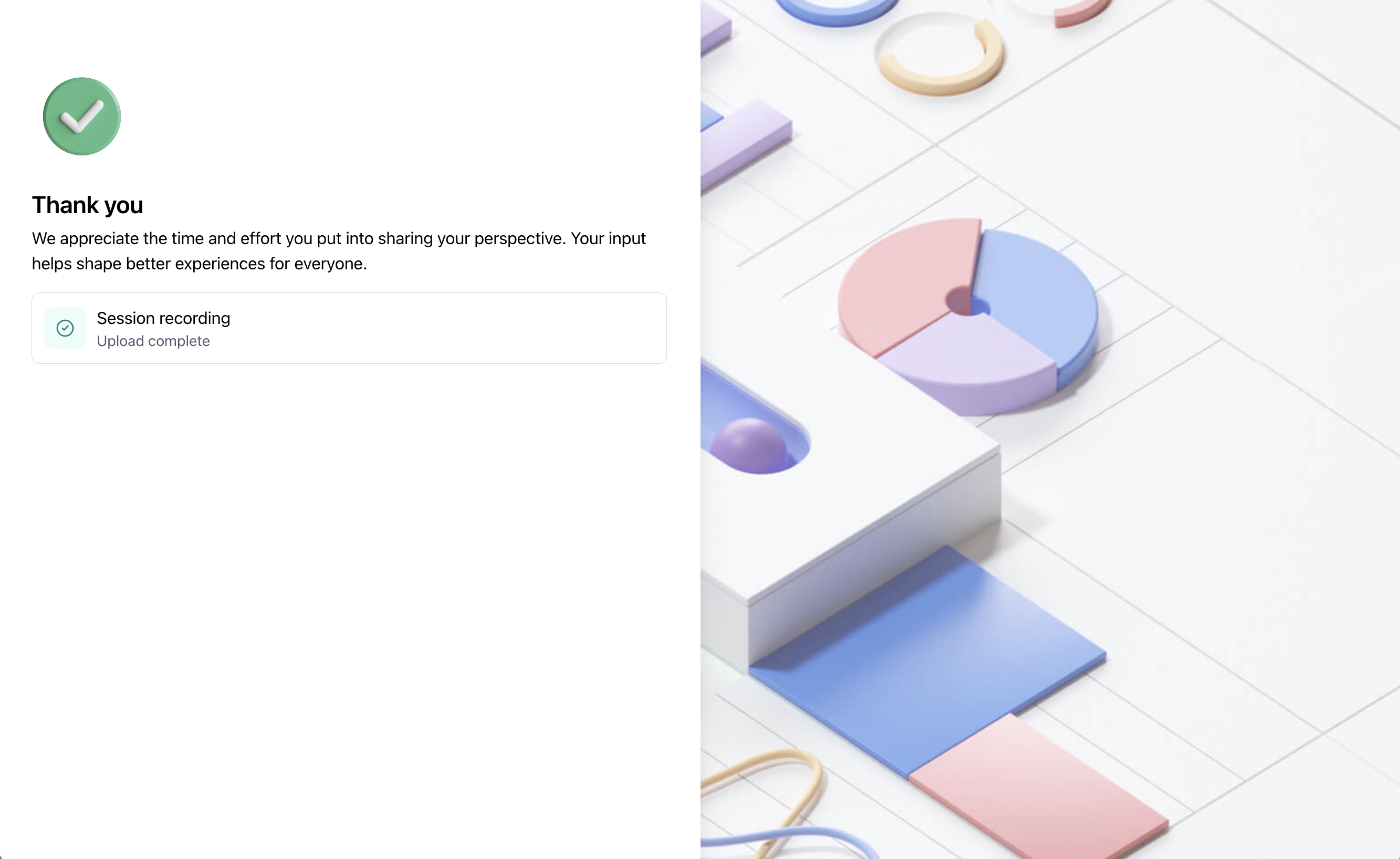
All studies end with a Thank You Screen. This final screen is a good opportunity to thank your participants for their time and feedback, share any parting information, and link to your website or a different page, if needed.
It’s not possible to add multiple Thank You screens within a study.
Customize the Thank You screen
The ability to customize the Thank You screen is available to users on on a paid plan
Here’s what you can edit:
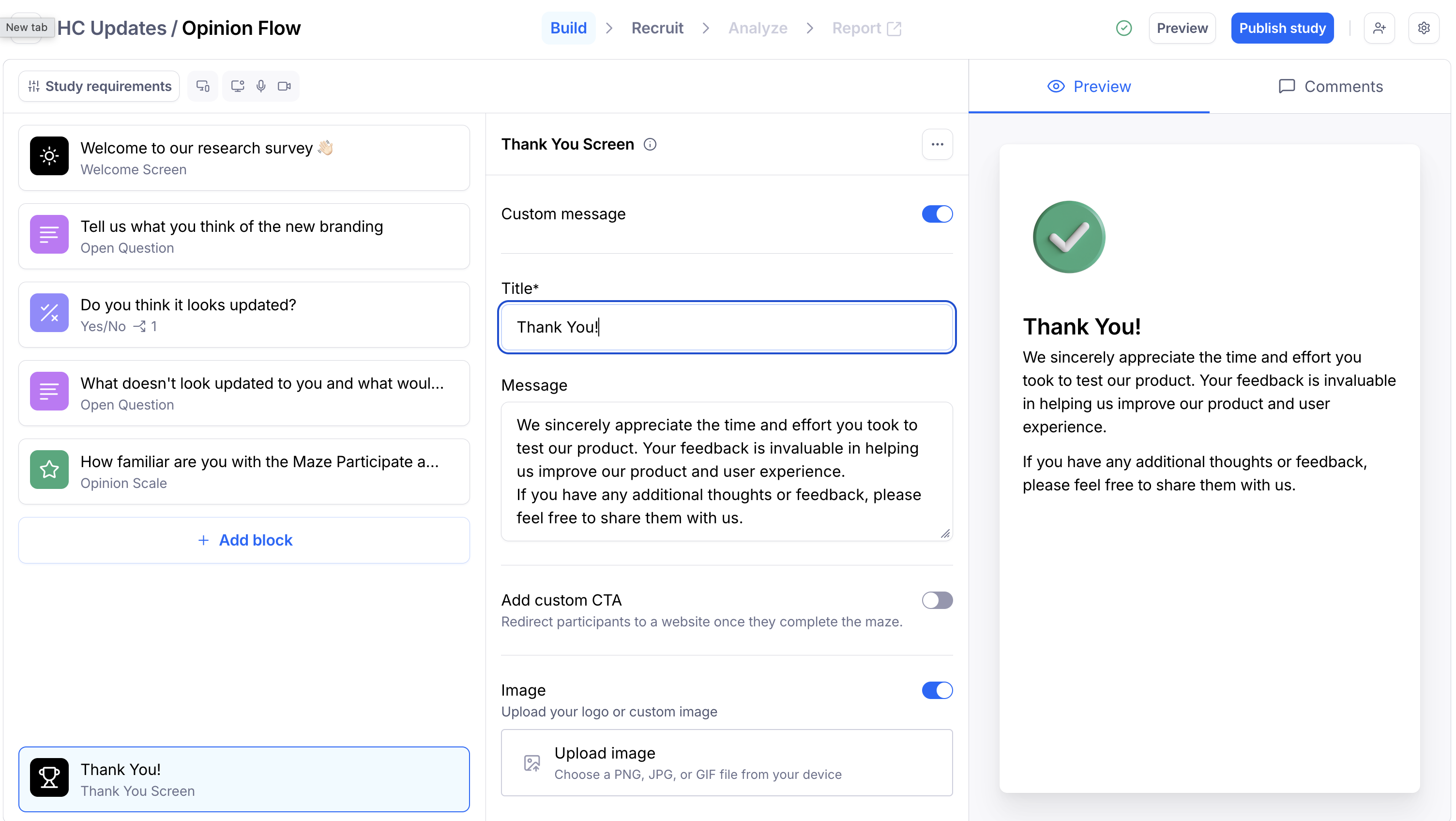
Title: Write a short title for the screen
Message: Write a longer optional message for your participants. You can also include links here.
Image: Upload your logo or another image
To add a custom screen:
Open your draft study, and select Thank You Screen on the left side panel.
Click the Custom message toggle to edit the default Thank You Screen
Edit the default message. You can add basic formatting (e.g. bold, or an embedded link) to the text within your blocks. Learn more about text formatting
If needed, include a custom image. Maze supports GIF, PNG, and JPG files. The maximum image size is 5mb. Learn more about uploading images to your blocks
You can preview the changes you made on the right side of the draft study page.
If testing with Maze in another language, please note that the custom thank you message won’t be translated automatically.
Redirects after completion
After participants complete your study, you may want to redirect them to another page.
Learn more about setting up redirects at the end of the study
Remove Maze branding
Enterprise plan customers can remove the “Created with Maze“ branding from their studies.
Learn more about the Enterprise plan
Still need help?
If you have any questions or concerns, please let our Support team know — we'll be happy to help!