Survey participants with an Opinion Scale
Last updated: August 4, 2026
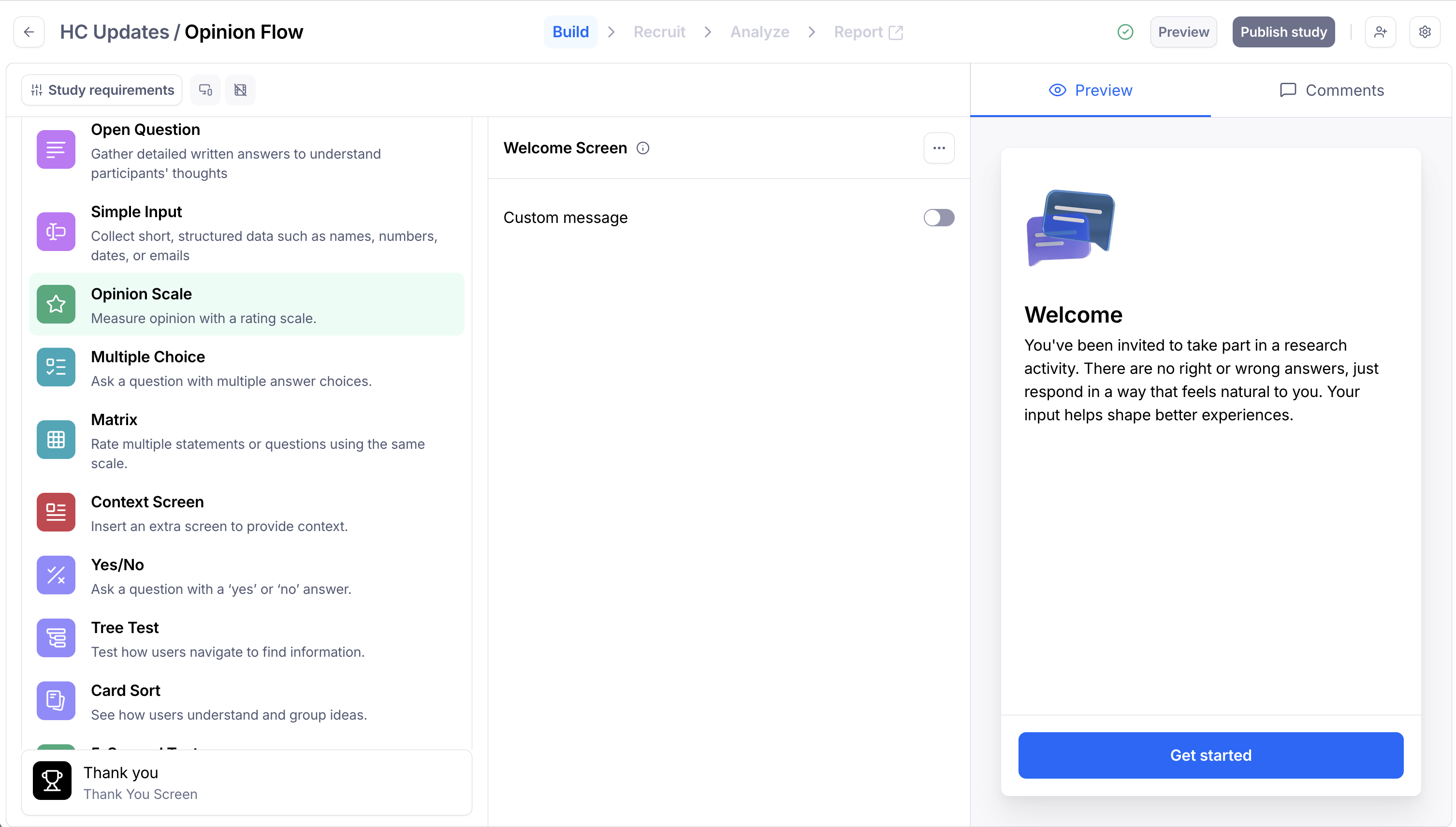
Use an Opinion Scale to ask participants to evaluate a statement on a rating scale.
You can use the Opinion Scale to ask participants to share their opinions and collect data with a customizable scale. Learn more about the Matrix block for multiple scale questions.
To add an Opinion Scale to your study:
Open your draft study, or create a new one.
In the blocks list, click Add block, then select an Opinion Scale block from the drop-down.
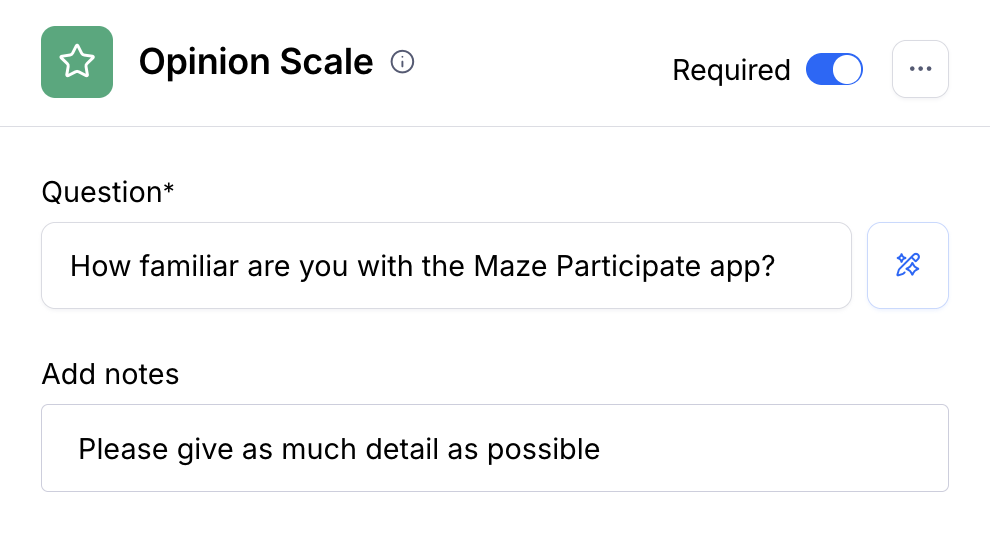
Type your Question. Optionally, add extra details in the Notes
If needed, show users an image while asking a question. Maze supports GIF, PNG, and JPG files. The maximum image size is 1mb. Learn more about using images alongside your questions

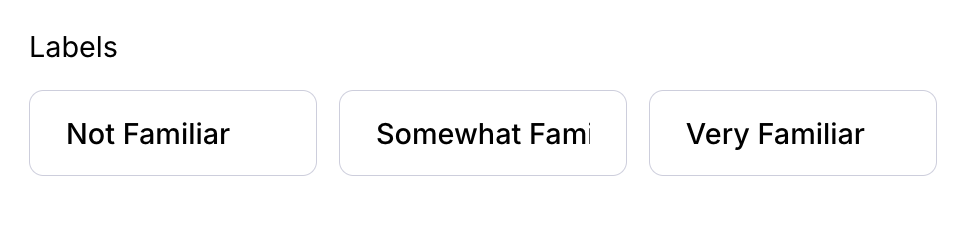
Write down the labels for the Left, Middle, and Right parts of the scale.
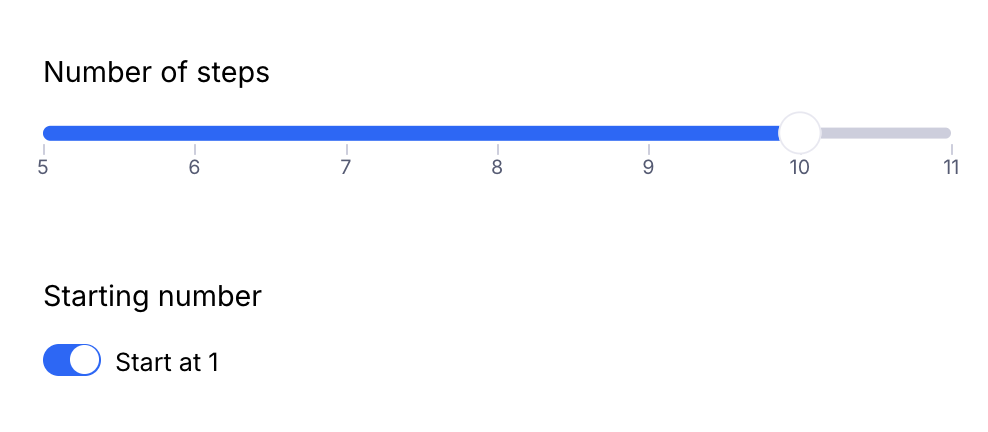
Adjust the number of steps on the scale as needed. You can start the scale at 1 by switching the Starting number toggle on.
Choose the type of scale answers you want to gather: Numerical, Stars, or Emotions.
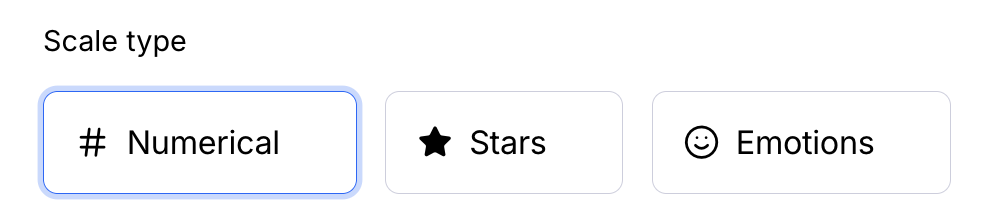
You can see how this block will appear to participants on the right-side Preview panel.
Paid customers can use the AI-powered assistant to improve the clarity and legibility of questions and tasks, while avoiding possible research biases (e.g. leading language). Learn more