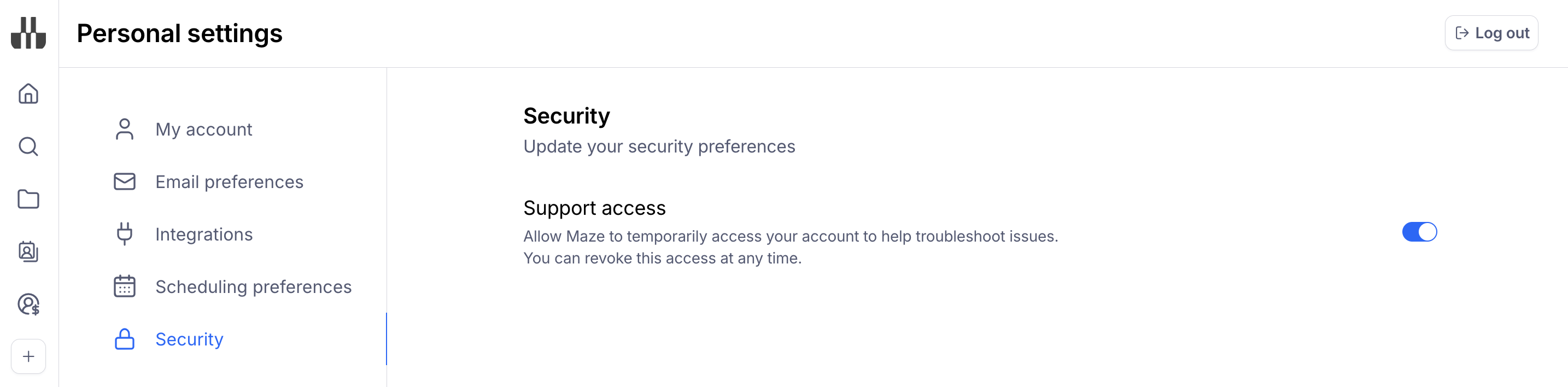
Allow Maze access to your account to troubleshoot issues
Last updated: September 4, 2026
In certain situations, Maze may require access to your account to troubleshoot issues you're encountering. This access is controlled by you in your Personal settings.
Follow these steps to enable or disable access:
Click on your name on the bottom left corner of the side navigation.
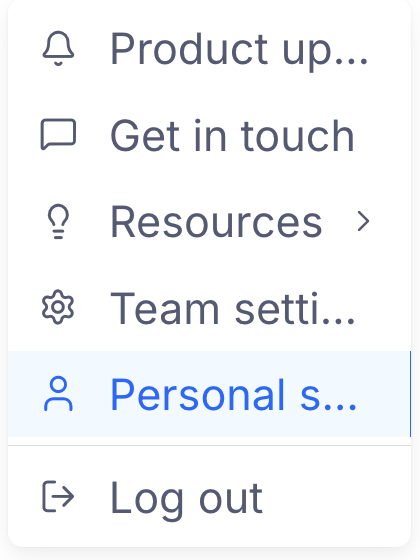
Then, click Personal settings.
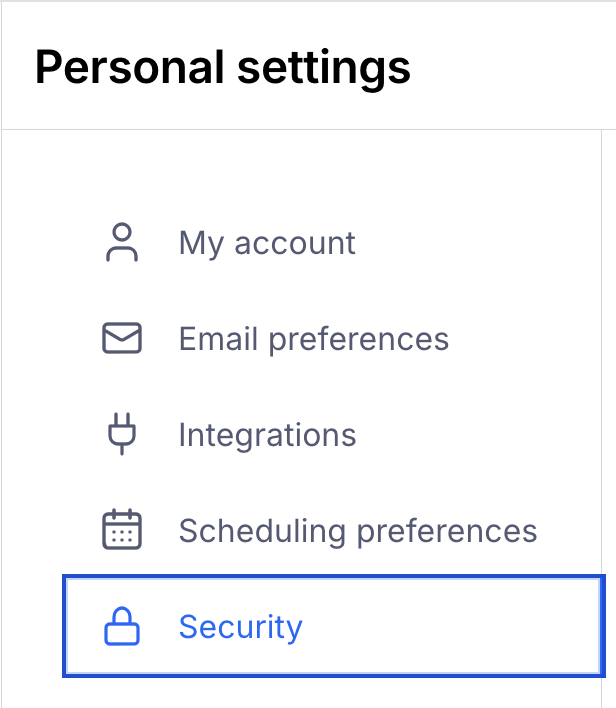
Select the Security tab
Enable/disable the Support access toggle