Why do my interactive components with overrides display the default variant in the results and report?
Last updated: August 6, 2026
When using local interactive components, any overrides on those component instances will display as the default variant in the results and report.
Due to limitations in the Figma API, any overrides that have been applied to interactive component instances will not be displayed, and the default variant will appear instead, if the interactive component resides in the local design file. This limitation affects the path analysis in the results dashboard and the report page.
As an example, let's consider that our Figma file uses a local interactive component with three variants: default, clicked, and hover.
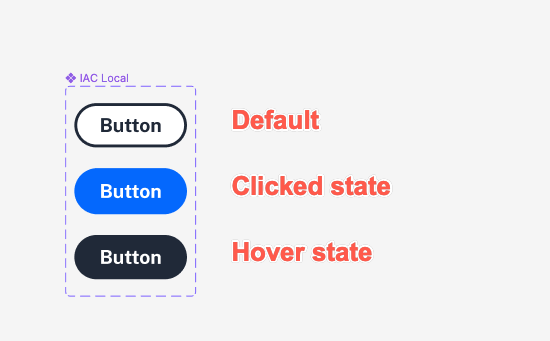
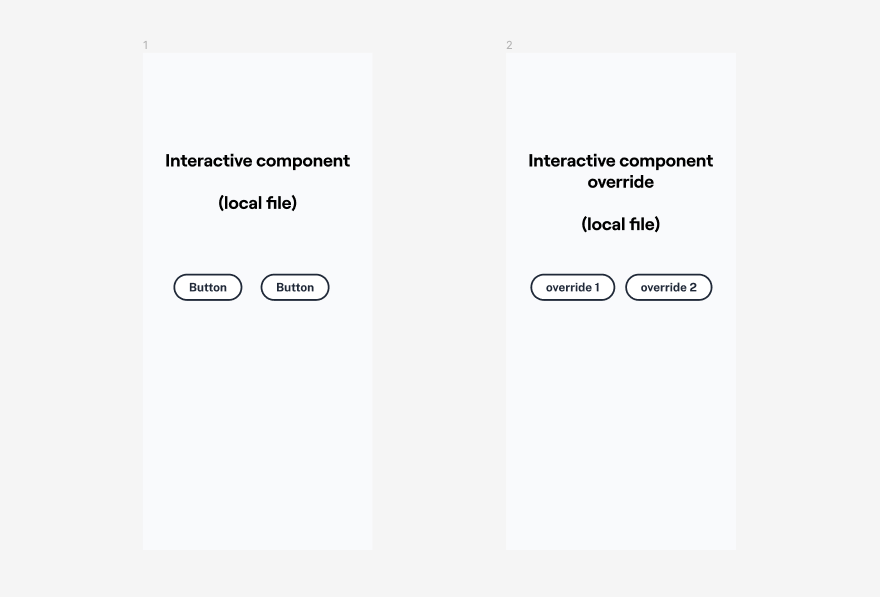
The design features 2 screens: one which displays the default text, and the other with a text override:
We use Figma's prototype embed feature when loading Figma prototypes so that your prototypes render exactly as they appear in Figma. This means that what you see in your file is exactly what is displayed in Maze: these screens will display and behave exactly the same way in the study builder, as well as in your participant's experience. In the example below, we see a participant interacting with the prototype, having clicked the button on the left and hovering over the button on the right.
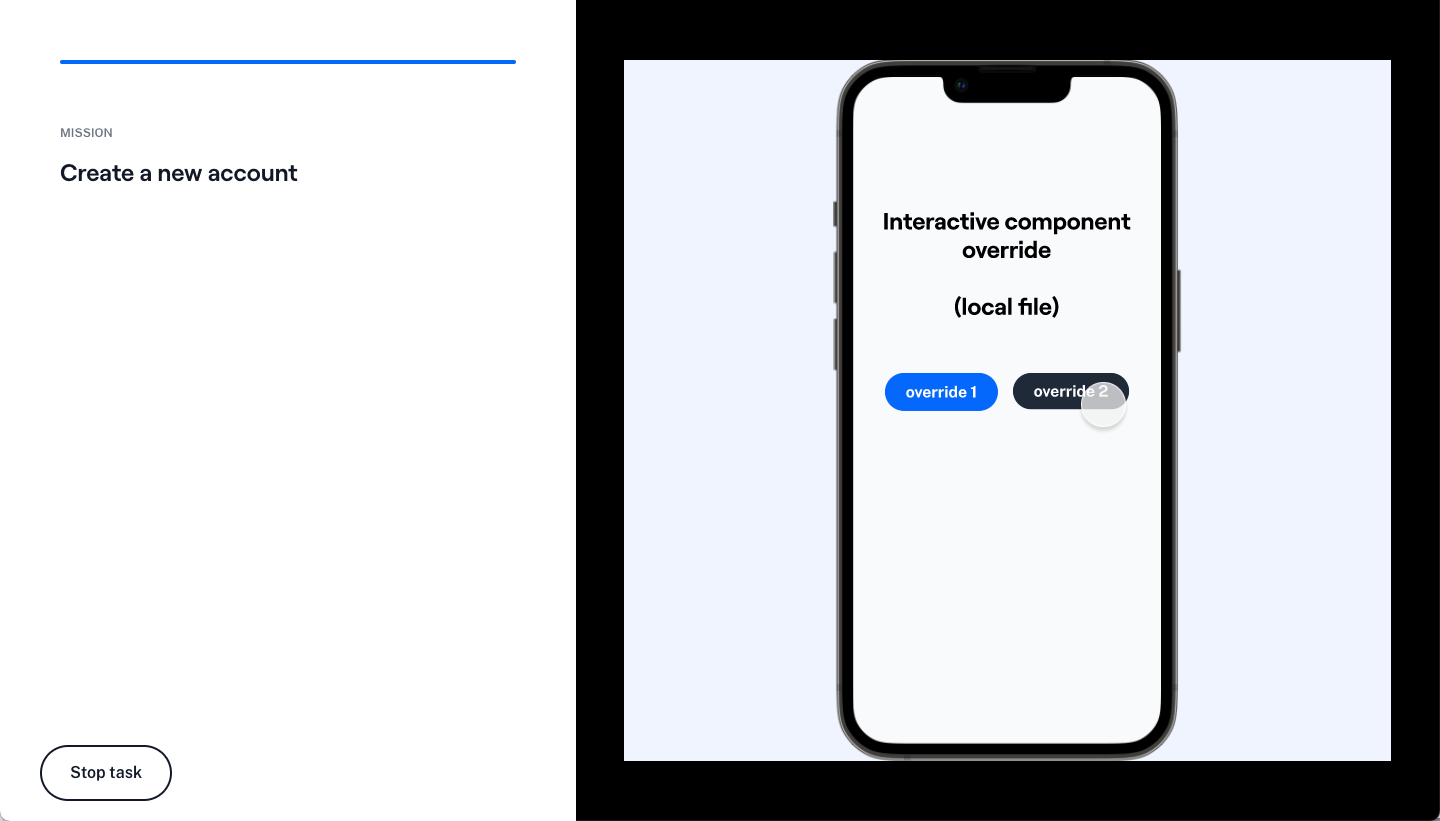
However, the screens displayed on the results and report are obtained via the Figma API. Due to limitations on the API, when navigating through the path analysis, both the clicked and the hover variant will revert to the default text.
Still need help?
If you have any feedback about the current limitations, or are running into issues that you believe go beyond them, please reach out to our team — we'll be happy to help!