Understanding your card sorting results
Last updated: August 4, 2026
As participants complete your published study, you will start seeing insights on the Results dashboard.
You can see a sample report of card sorting results here.
The results data for card sort blocks is organized in two tabs:
Cards and categories: Drill down results data for the cards and categories in the block.
Analysis tools: Identify trends in the card sorting results.
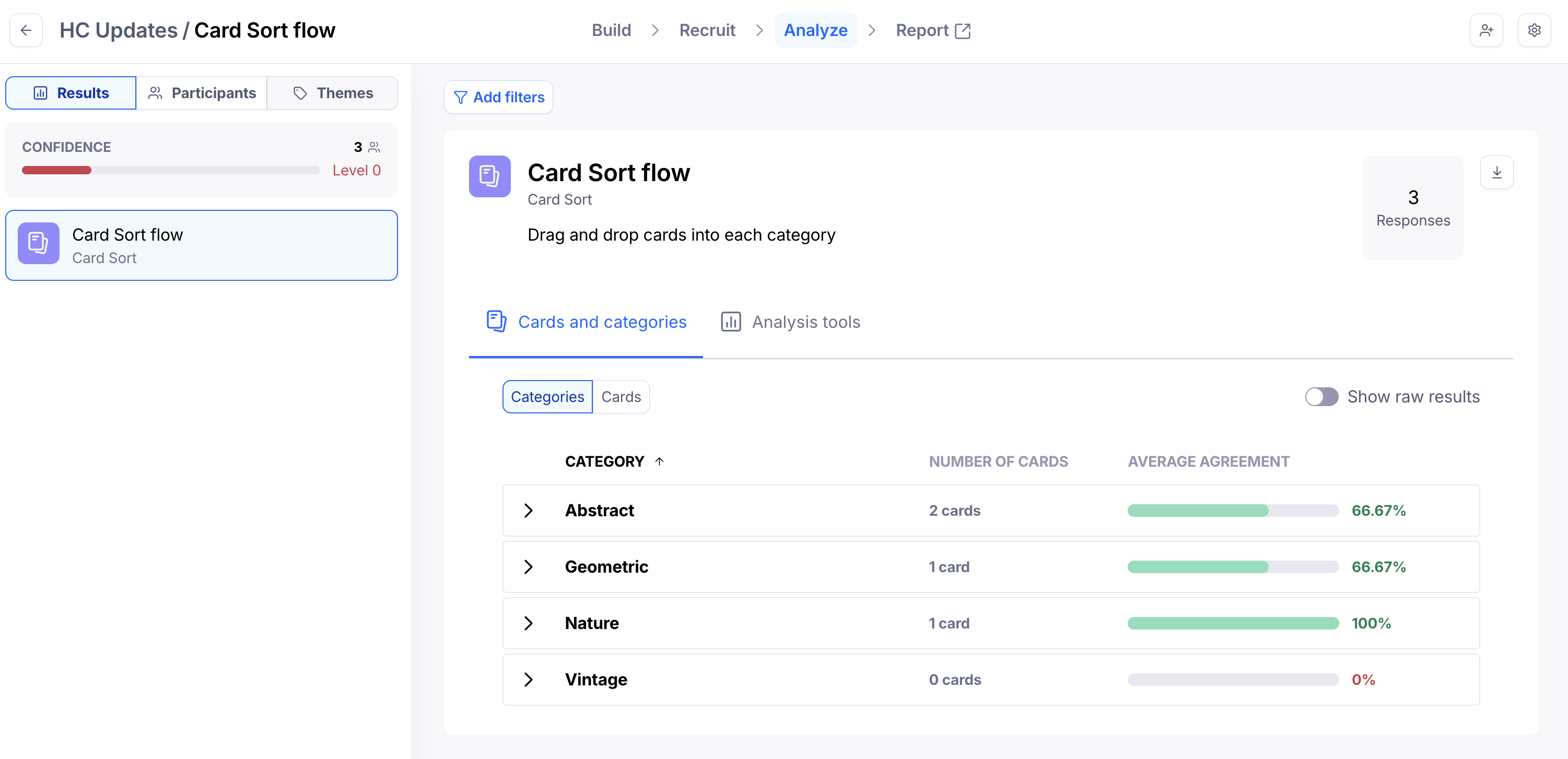
Cards and categories
The Cards and categories tab will look a bit different depending on whether you're running an open or a closed card sorting test:
Sorting
You can sort the results data in the Cards and categories dashboard:
Alphabetically (A-Z)
By number of cards inside the category, or categories, the card has been sorted into
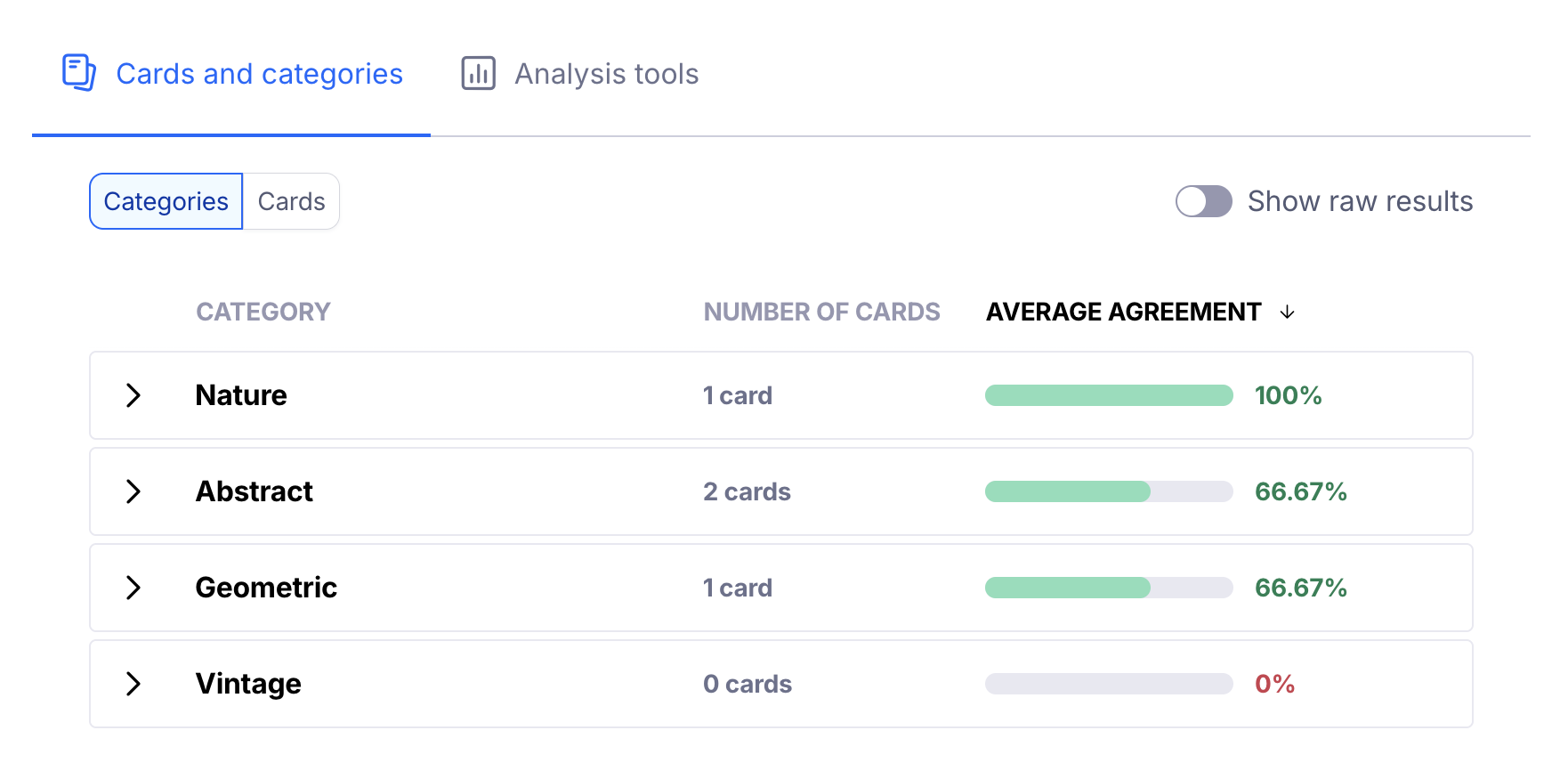
Analysis tools
Agreement matrix
The agreement matrix groups cards under each category based on their highest agreement rates. It gives you a visual representation of how often cards appeared in each category. Learn more
Similarity matrix
The similarity matrix evaluates the relationship between pairs of cards. It gives you insight into which cards were most frequently grouped together. Learn more
How many participants do I need?
The number of participants you need depends on the type of research you're running. Maze recommends testing with:
At least 10 participants for unmoderated studies
At least 10 participants for AI-moderated studies
At least 5 participants for moderated studies
Learn more about the ideal number of participants
Reports
Maze reports make it easy to analyze, share, and present your results data. Reports are automatically generated for every published study tested with at least one tester.
Still need help?
If you have any questions or concerns, please let our Support team know — we'd be happy to help!