What is the similarity matrix?
Last updated: August 31, 2026
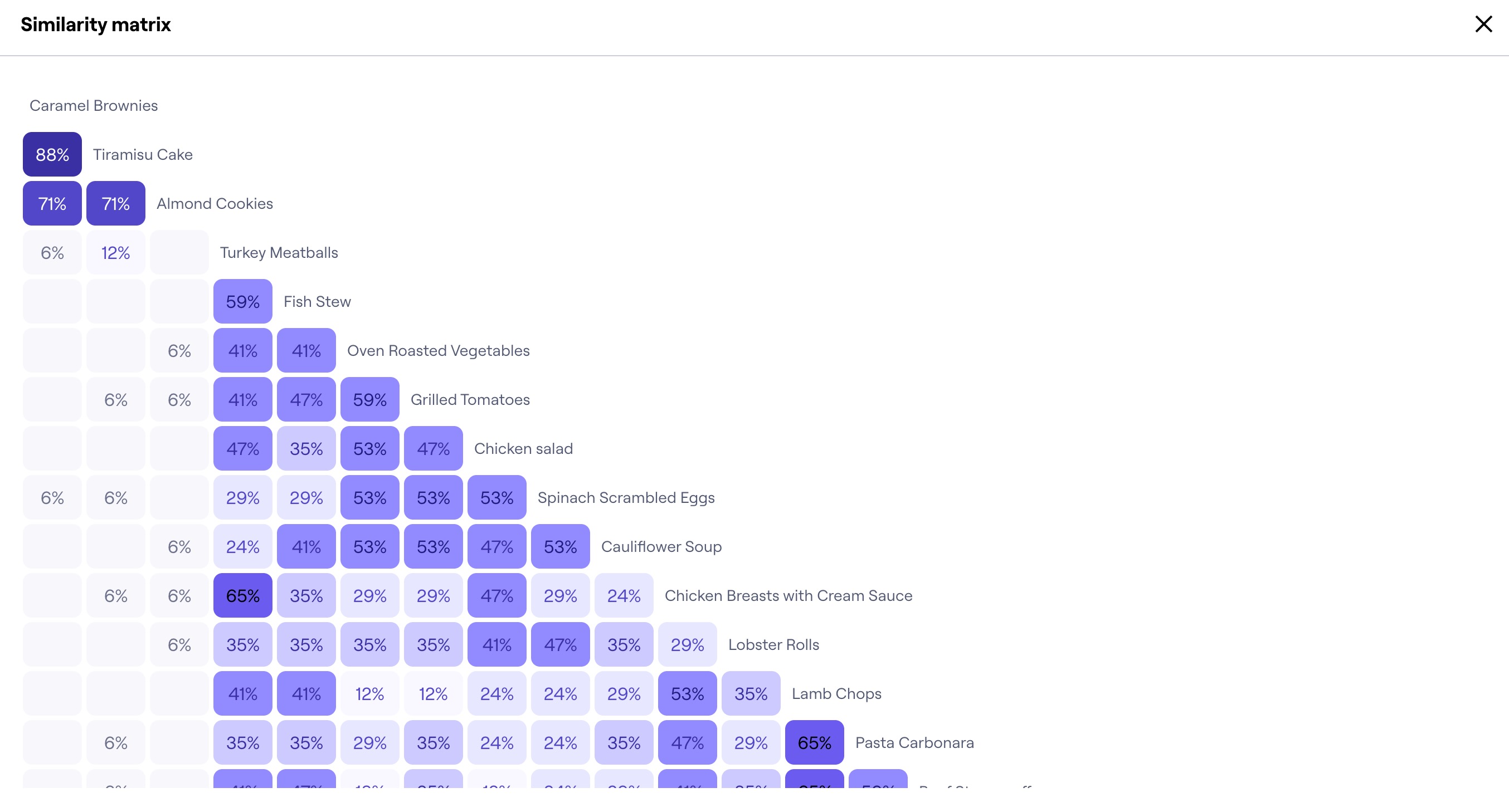
The similarity matrix shows the relationship between pairs of cards in a card sort exercise. It’s based on the percentage of participants who sorted any two cards together into the same category.
The most closely related pairs of cards are clustered along the edges of the matrix. Darker cells/higher percentages suggest a stronger relationship between the cards.
The similarity is calculated using the following equation:
(count in pairing * 100) / total participant count
How to use the similarity matrix
The similarity matrix gives you insight into which cards were most often grouped together. In the example screenshot below, we see that 59% of the participants feel that “Fish Stew” and “Turkey Meatballs” belong in the same category.

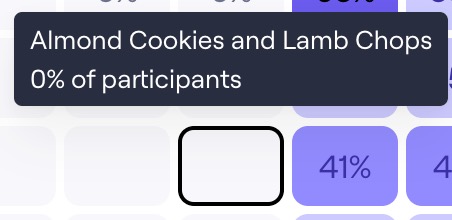
On the other hand, the similarity matrix also tells us the least popular card combinations. For example, no participants placed “Almond Cookies” and “Lamb Chops” together.
Access the similarity matrix
To see the similarity matrix:
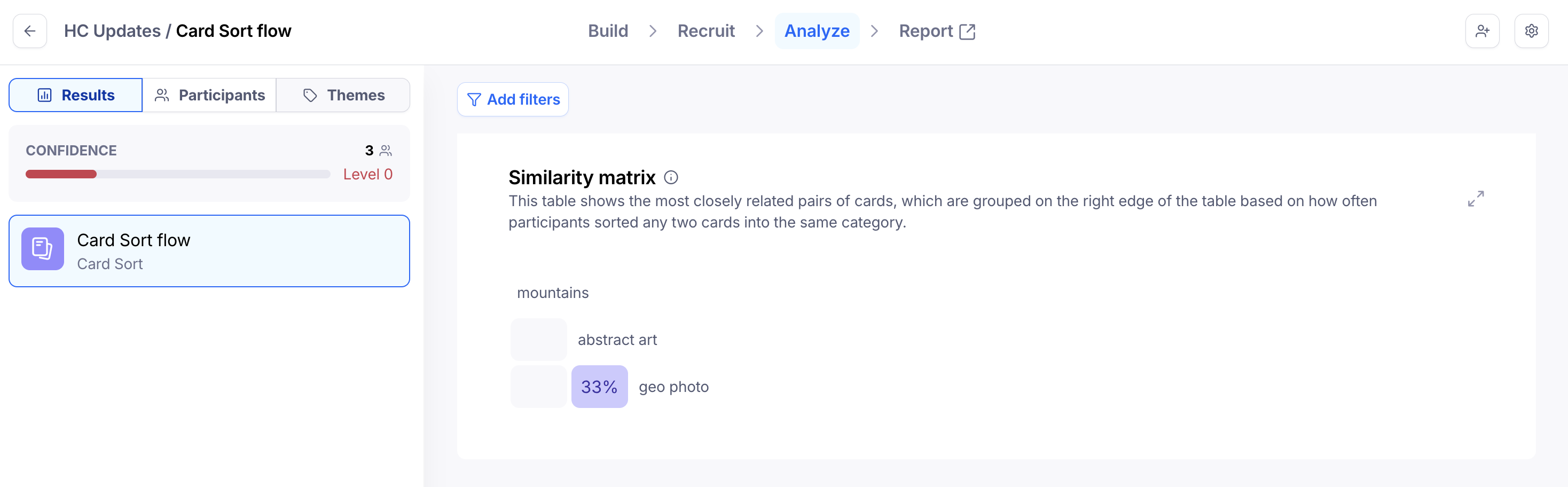
Open the Results dashboard from your live study.
Select the Card Sorting block.
Navigate to the Analysis tools tab and scroll to the bottom of the page.
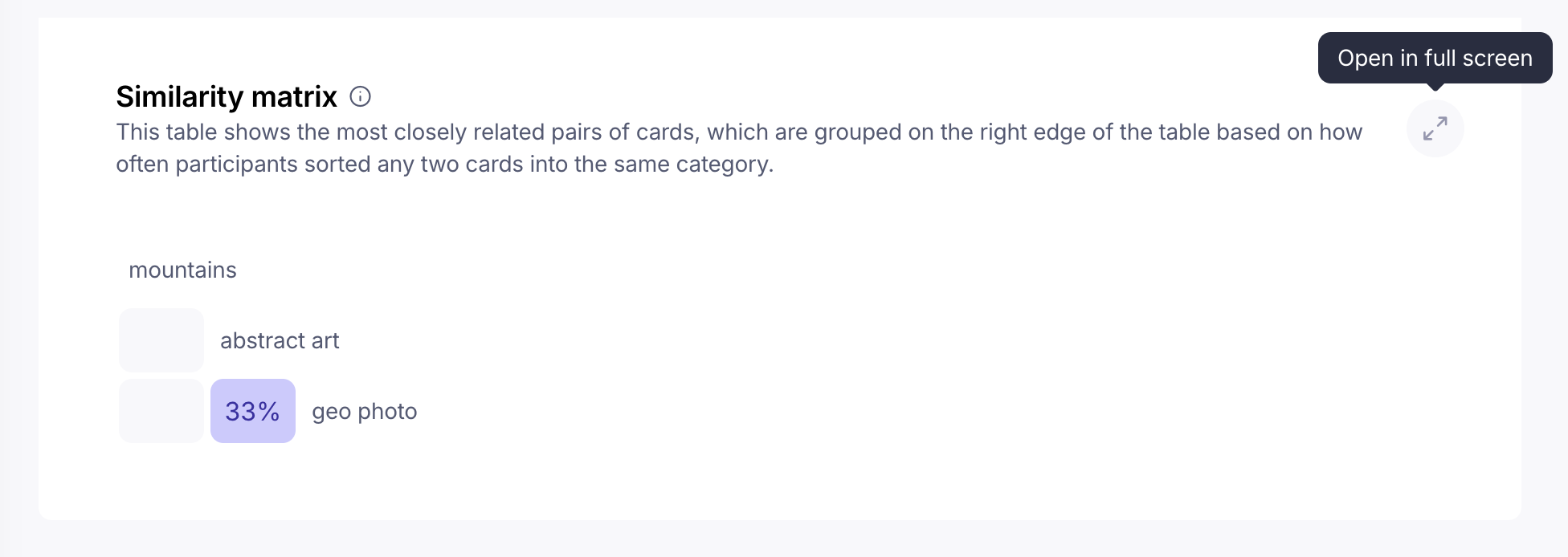
Click Open in full screen to pan through all the data.
Show/hide the matrix in your maze report
You can also include the similarity matrix in your report. Learn more
Card sorting results
To learn more about your card sorting results, check out this article: Understanding your card sorting results