Can I password-protect my studies?
Last updated: September 15, 2026
You have the option to enable password protection for your studies, so that only participants with the password can access them.
As of June 23, 2022, password protection became an Enterprise plan feature. Users who signed up after this date can only use this feature if they upgrade to the Enterprise plan. Learn more about the Enterprise plan
Who can use this feature?
Password protection is available for Enterprise plan users
Enabling password protection
To password-protect a study:
Open your study and click Settings (⚙). Learn more about the study settings

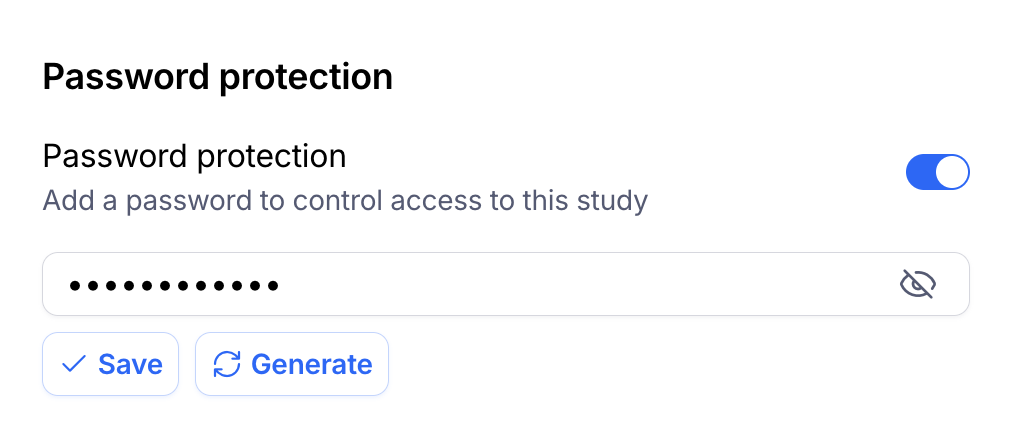
Under Password protection enable the toggle.
Type the password you want to use, then click Save. You can use the Generate button to create a unique password for you.
How does this appear to participants?
When password protection is enabled, upon opening the study share link, participants see the following screen:
This study is password protected

Enter the password you’ve received to access this testing session
Once they enter the password, they’ll be able to start the study.
Still need help?
If you have any questions or concerns, please let our Support team know — we'll be happy to help!