Creating a project
Last updated: September 15, 2026
Projects act like folders, where you can add multiple studies (Unmoderated, Moderated, AI Moderated).
How do I create a new project?
To create a project:
Open your Projects page.
Click the New Project button in the upper right corner of your dashboard.
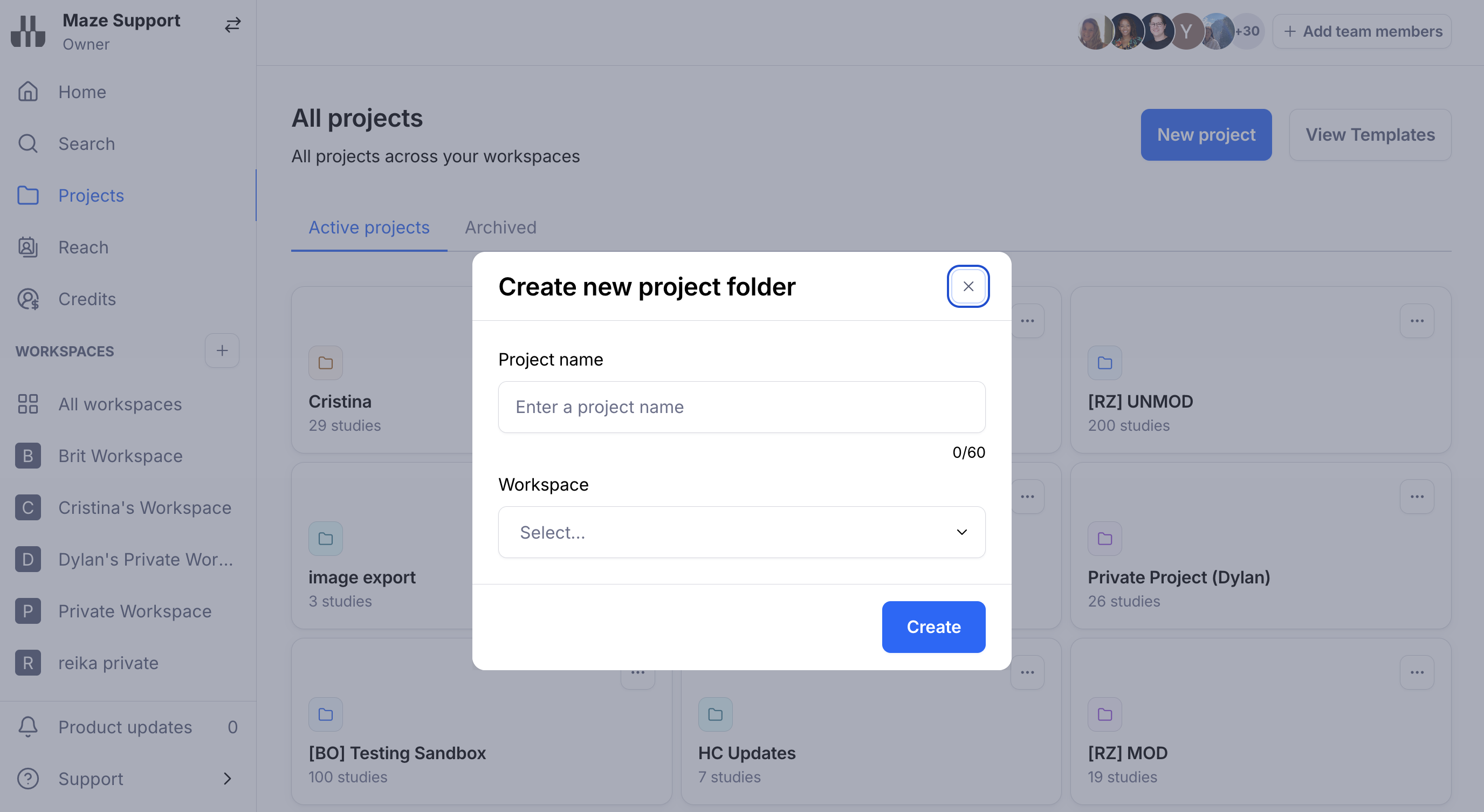
Enter an optional name for your project, select your desired workspace and click Create.
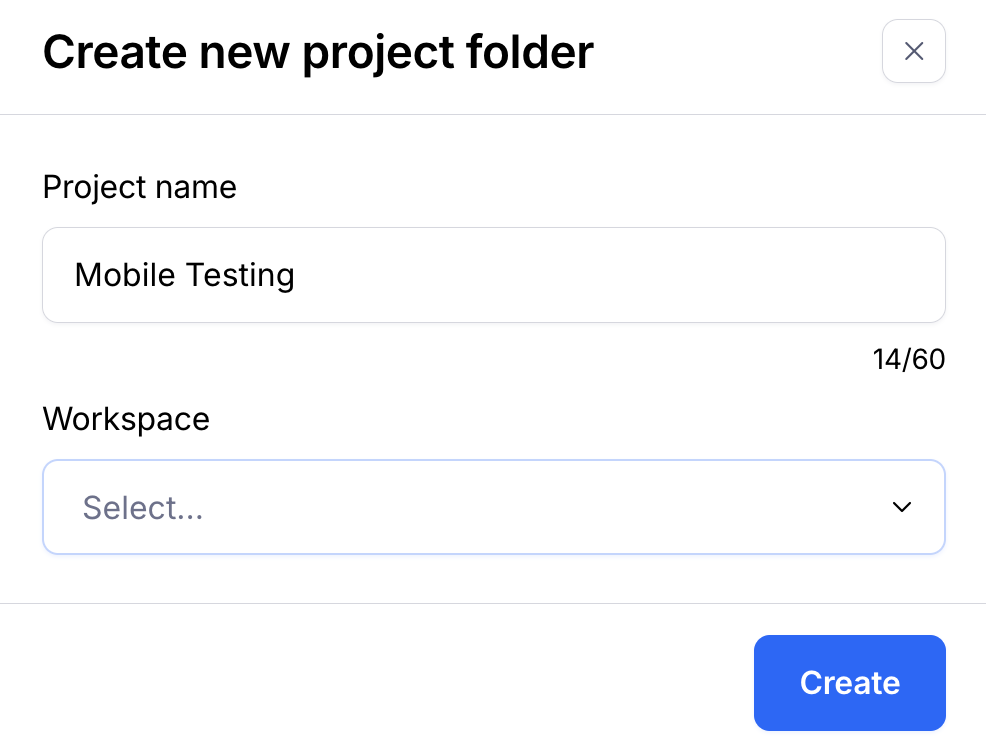
You'll be taken to your project space. Here you can start adding new studies that relate to this initiative.
In the beginning, the project space will look a little empty. As you and your team start adding studies, this is where you'll see an overview of your draft and live studies related to this project.
Managing projects
Start testing
Unmoderated testing: Creating and setting up your first study
Moderated testing: Getting started with Interview Studies
AI Moderated testing: Setting up an AI Moderated study with the AI Study Builder